Blog Medium Image">
How to reset Microsoft Edge browser?

How to reset Microsoft Edge browser?

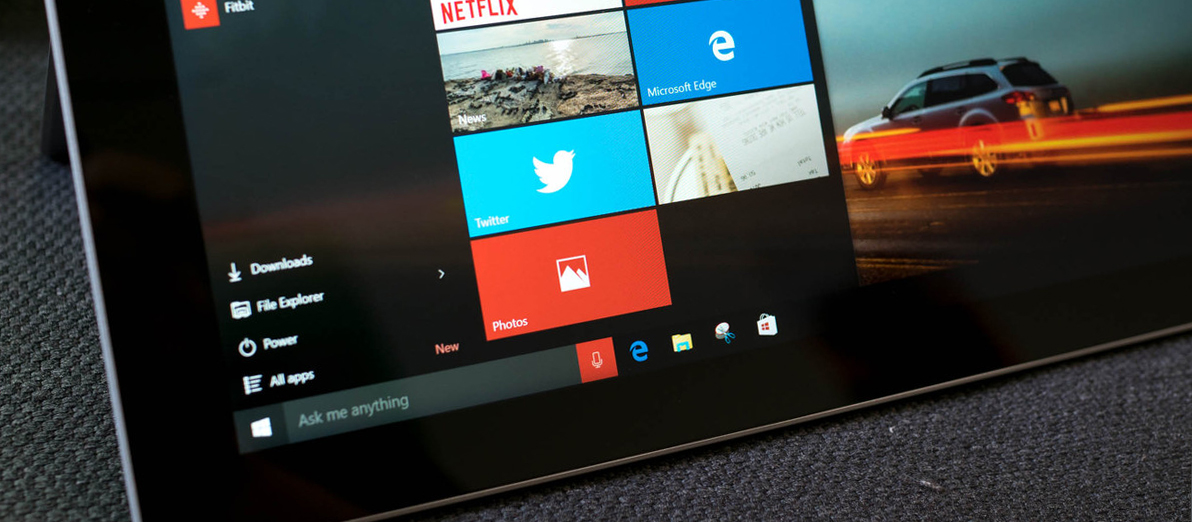
Edge browser that Microsoft introduced in Windows 10 is not a separate program that you can delete or turn off, but is a part of your operating system. While using this browser you might notice that it became slow or freezes a lot, still simple steps like clearing cache don’t help. What would you do in this […]
How to get extra 2Gb to Google drive

How to get extra 2Gb to Google drive

February 9th is the World Day for Safer Internet. For this event, Google is distributing additional space in your Google Drive cloud storage. In this article, we will tell you how to get it. As you probably know, every owner of the default Google account gets 15 GB of disk space to be distributed among the various services for storing personal […]
Clean up your laptop!

Clean up your laptop!

Hi guys! I am pretty sure that every reader of these lines has previously faced issues with your laptop starting to get hotter and hotter with every day of use. The reason for this is…. dust! Modern processors, chipsets, graphic cards are becoming more and more efficient and use more power to operate, thus releasing […]
How to install Windows 10 from the flash drive

How to install Windows 10 from the flash drive

Let;s say you have a computer issue so critical, that the only choice is to reinstall Windows. Or else, you have a brand new computer with no OS pre-installed on it, but you don’t have a disk with Windows or CD\DVD-drive at all. How to install Windows in this case? You can use USB drive. […]
How to set up mail forwarding to gmail account

How to set up mail forwarding to gmail account

E-mail is one of the first means to exchange information over the Internet. It is much older than Skype, Hangouts or Facebook Messenger. Yes, it is now not very used in terms of communication, but is still major in  business correspondence and, maybe, it is the only reliable way to register on any Internet resource. An internet user may […]
How to downgrade Windows 10 on the phone

How to downgrade Windows 10 on the phone

We have been testing Windows 10 (beta) on the phones for a while on different models. What we noticed was that having your phone listed as the Windows 10 supported doesn’t mean that will actually can normally use it after the upgrade. Some model work really well, other are starting getting better with the updates. But there are still those […]
How to Disable Shake to undo function in iOS

How to Disable Shake to undo function in iOS

Believe it or not but good can be bad. iOS 9 new function ‘’Shake to undo’’ is an example. It’s a neat feature that allows you to shake your phone to undo any typing, but it also might get annoying interrupting your daily activities. Thankfully Apple allows to disable this function, and Hitech Service is here to […]
Try the new Facebook test

Try the new Facebook test

Try the new Facebook test and give someone full access to your account. – This is, probably, the correct name for this article. Facebook is full of interesting tests like – who’s your best friend or what are your 9 top qualities and 3 flaws? I’m sure you’ve seen those in your feed with the results of your […]
How to delete facebook?

How to delete facebook?

You never know what will come to you mind next minute. Maybe at some point you would like to get rid of your Facebook account. There might be different reasons to do so, but it turns out to be pretty hard to locate a button for this in Facebook interface. So we just decided to provide you with direct […]
How to browse internet safely?

How to browse internet safely?

Browsing internet is much fun, however might be dangerous and expensive. Have you heard about the guy, who downloaded cracked version of Fallout 4 and his bitcoins were stolen? This is just one type of frauds you can face on the Internet. So yes, HiTech Service support team recommends: use licensed software. But it’s not what we […]