We have been testing Windows 10 (beta) on the phones for a while on different models. What we noticed was that having your phone listed as the Windows 10 supported doesn’t mean that will actually can normally use it after the upgrade.
Some model work really well, other are starting getting better with the updates. But there are still those that will work on current Windows 10 with tons of lags and glitches.
If you are “lucky” to have one of those “kind of supported” phones, we would recommend just go back to Windows 8.1 till final release of Windows 10 is available.
The problem is, that you will not be able to return to WIndows 8.1 via phone interface or going through the hard reset as Windows 10 has already been placed there.
However there is a way:
First of all backup all your data, just in case.
While doing a backup, follow this link and download the Windows Device recovery application.
Install the downloaded app..
make sure that you have everything backed up and move the rollback itself.
Connect your Windows Phone to the computer. Check if the system has recognized the device.
Launch Windows Device recovery. If everything connected you will see your phone model on the screen.
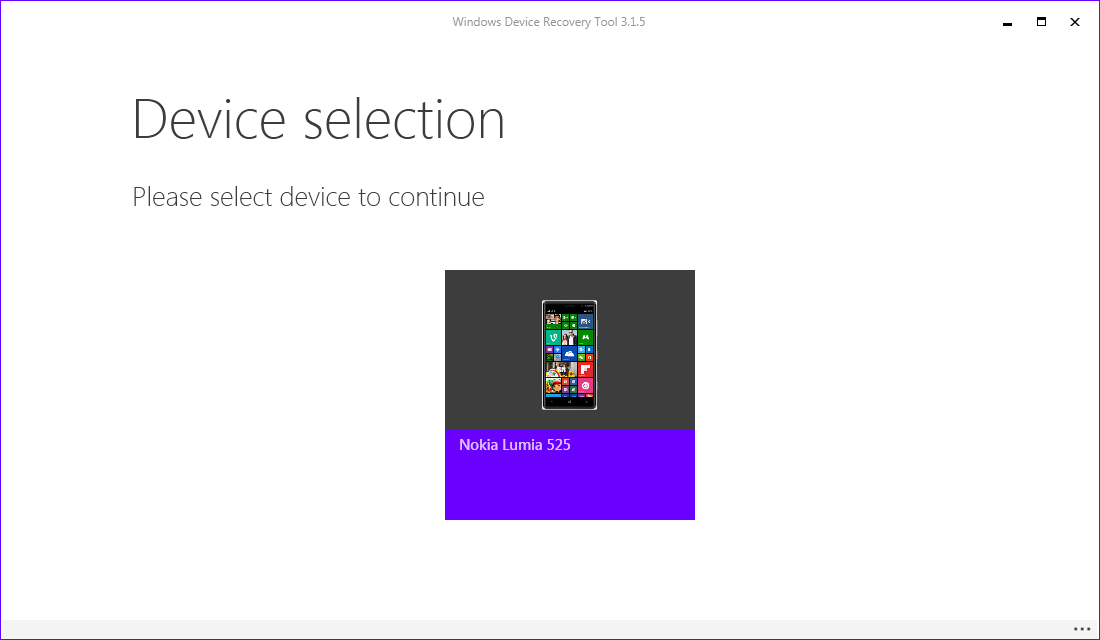
Click on it, system will provide with the available actions for your phone.
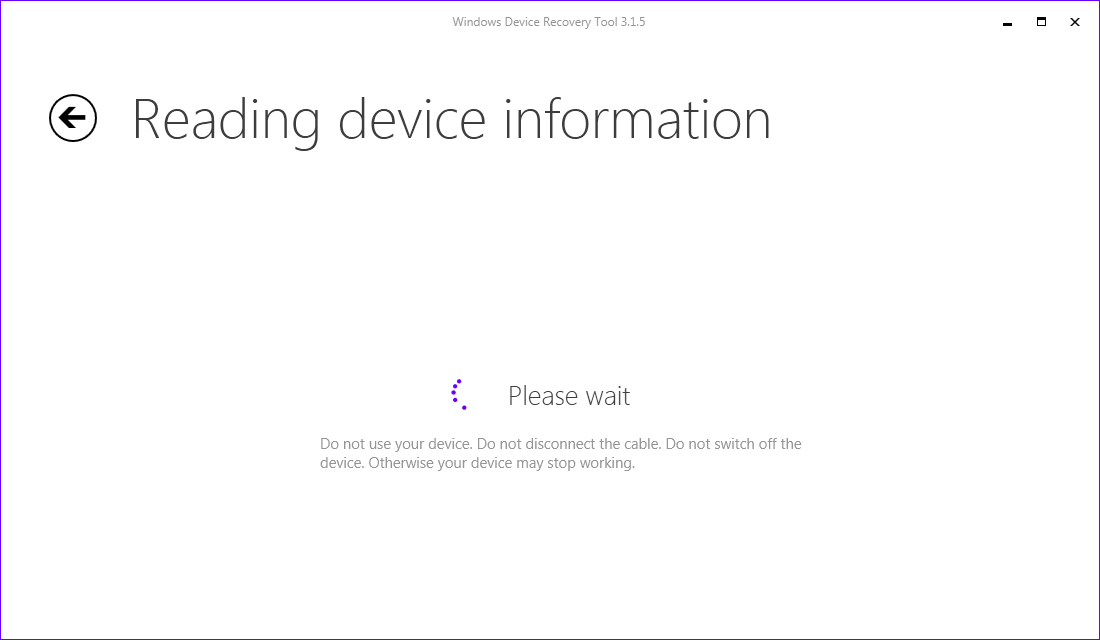
Look for Reinstall software. As Windows 8.1 is the only live version for your phone, it will be installed.
Check disclaimer and hit continue.
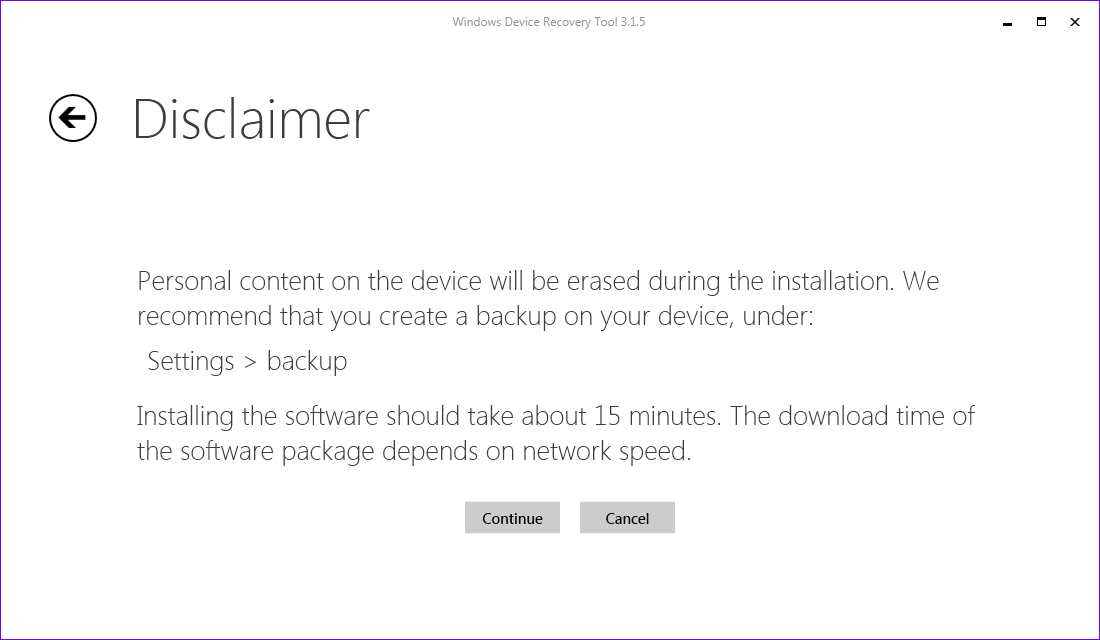
It will take some time to download installation package for Windows 8.1, so it all depends on your internet connection.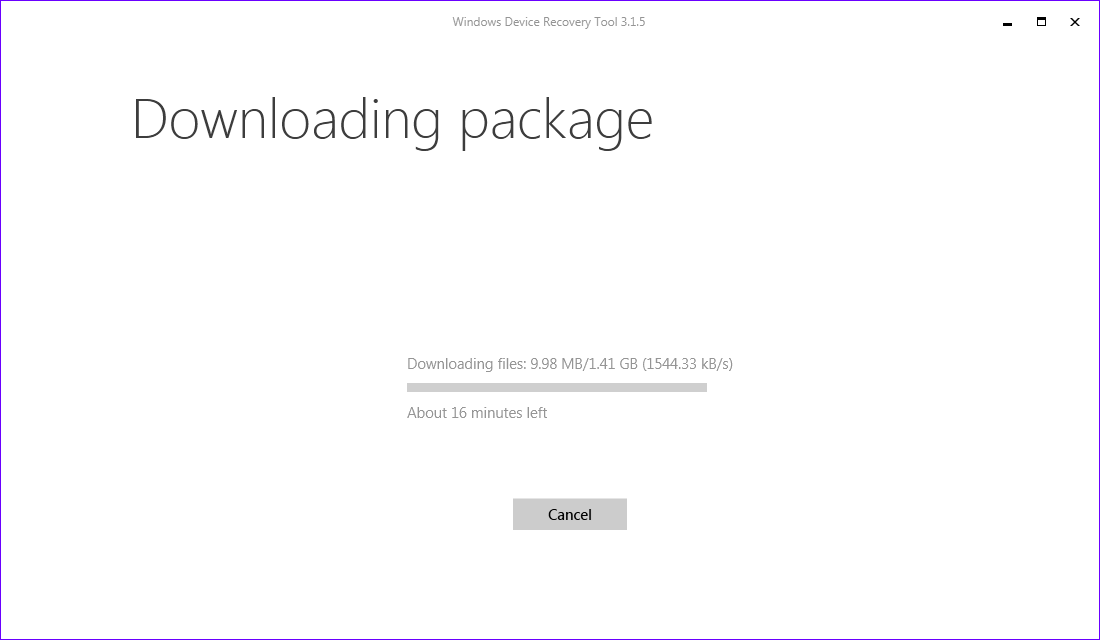
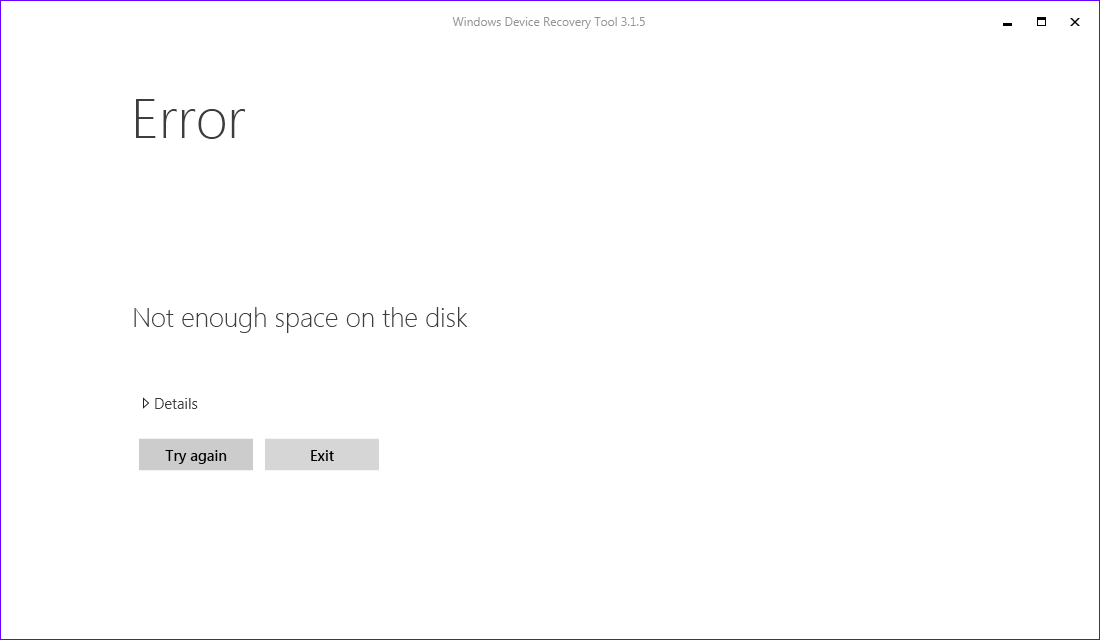
You might face the following error during the download. This may be caused by the low disk space or not stable internet connection. If there is enough disk space, try connecting your computer to internet with a cable instead of WiFi.
After the download is complete installation will start. This step will take around 20-30 minutes. Process indication will be displays on both computer and the phone.
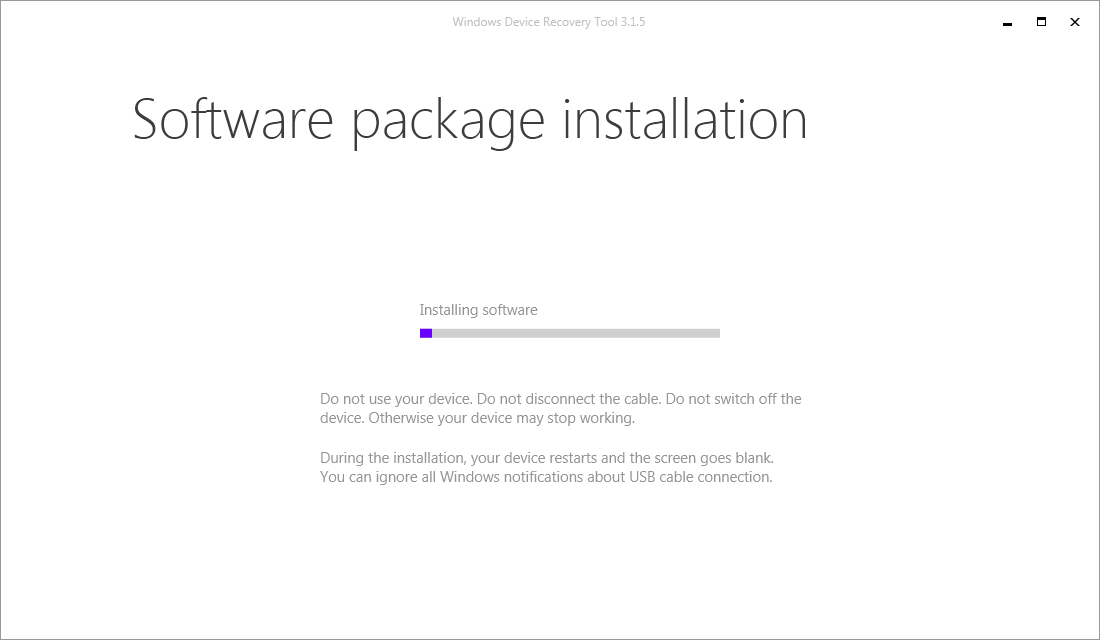
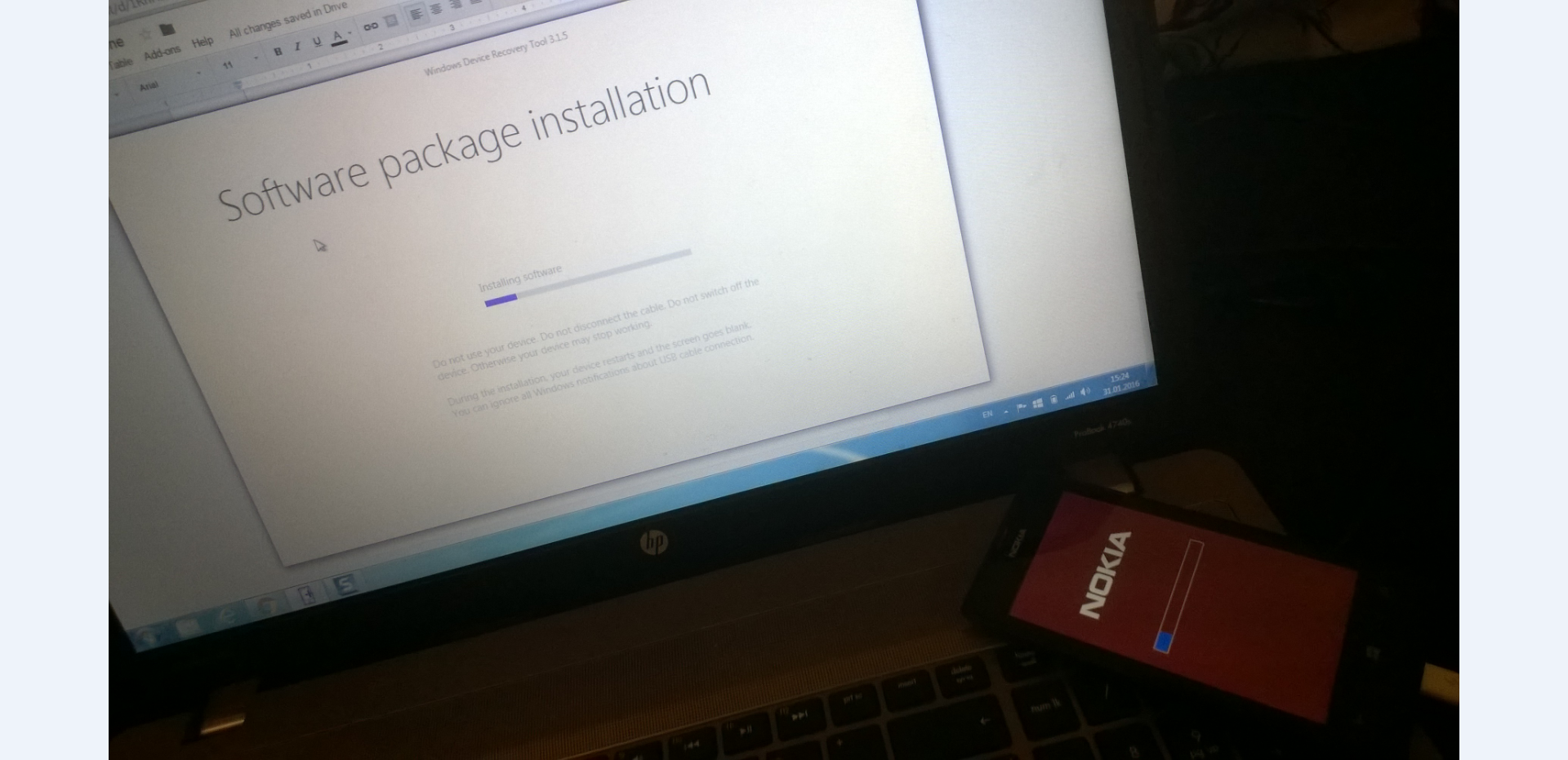
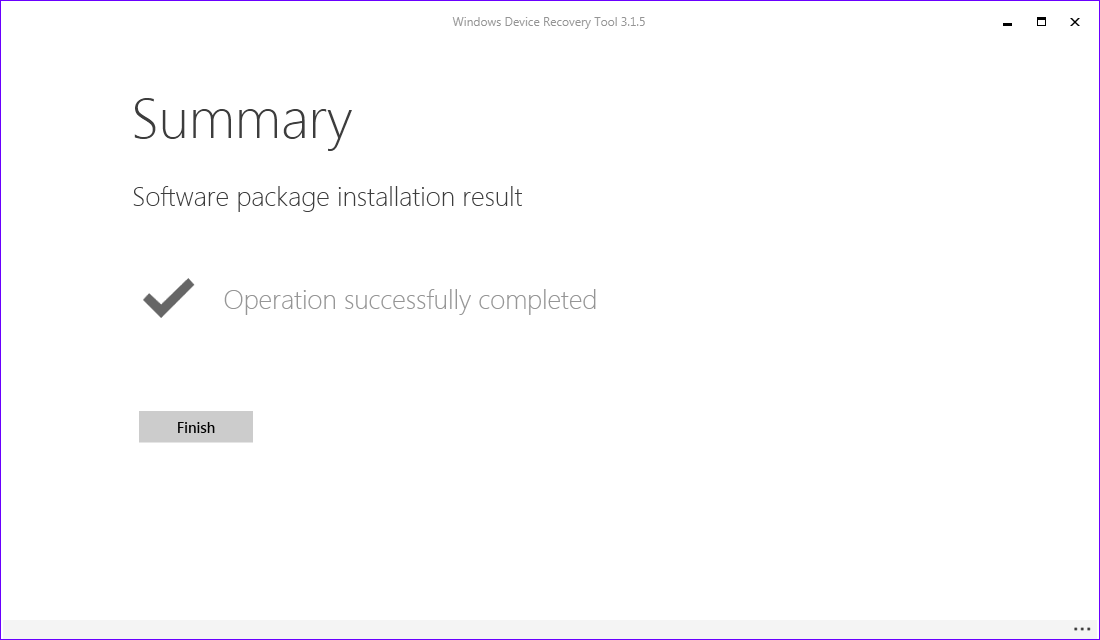
After installation is complete, click on finish.
Start your phone and go through the phone configuration procedure. Make sure you install all Windows 8.1 updates after the phone started.
You just skipped those ”smart” screenshots and bunch of scary text while reading the article.