Fullwidth">
How to browse internet safely?
  • Posted January 26, 2016

How to browse internet safely?

Browsing internet is much fun, however might be dangerous and expensive. Have you heard about the guy, who downloaded cracked version of Fallout 4 and his bitcoins were stolen? This is just one type of frauds you can face on the Internet. So yes, HiTech Service support team recommends: use licensed software. But it’s not what we […]
0

folders
  • Posted January 22, 2016

Findo from ABBYY

ABBYY’s creator David Yang launched a new app – Findo aimed to help with the searches in email, contacts and documents. According to the developer, the difference between standard search and Findo is that you search for the information not by the keywords but asking a question like you do in Google now. According to ABBYY’s research 20% of users […]
0
music memos
  • Posted January 21, 2016

Music Memos: new app from Apple

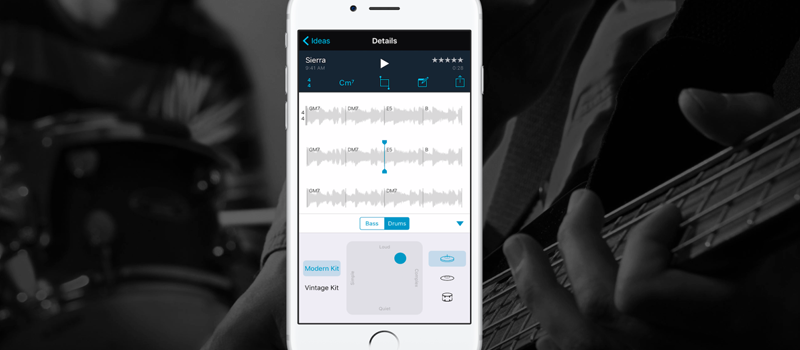
Howdy! Yesterday Apple released new app for music lovers and musicians: Music Memos. Music memos is a handy app for songwriters and musicians and helps to capture new musical ideas. The main advantage of this app comparing to any other memos is that it allows recording to autostart when app senses musical material. Once recording […]
0
support
  • Posted January 20, 2016

Who can fix your computer?

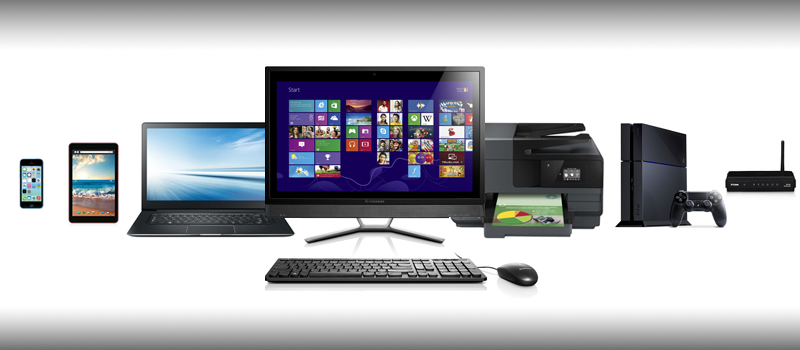
With IT technologies growing fast, nowadays it’s is hard to keep up with its pace and be aware of everything new that IT brings to our lives. Computers, tables, smartphones, new applications and operating systems for them – all this evolves greatly and sometimes you may need help when something does not work as expected or stopped working […]
0
uninstall
  • Posted January 19, 2016

How to clean up applications that failed to be deleted?

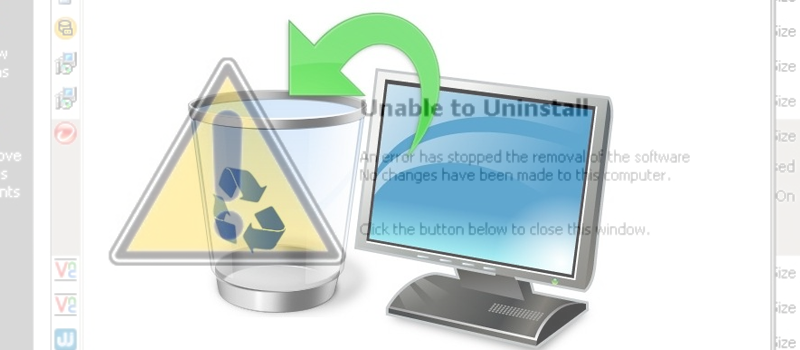
At some point, usually when your system has not been reinstated for a while, you can have issues deleting software from your computer. There might be multiple reasons why that is happening like missing or broken files of the application, problem registry etc. This may not only prevent uninstalling applications, but also cause failures in […]
0
vlc
  • Posted January 18, 2016

VLC media player is now available on Apple TV

Popular among computer users multifunctional media player VLC has finally debuted on Apple TV. Like the desktop version of the application, VLC on Apple TV supports a wide variety of non-standard, and seldom-used video formats. It also allows you to set the desired playback speed, to choose between several audio tracks and subtitles, as well […]
0
amazon echo
  • Posted January 15, 2016

New Amazon Echo speaker is coming

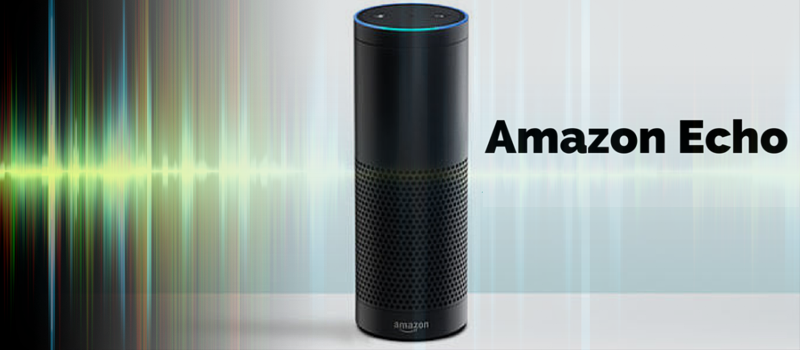
In the coming weeks, Amazon will release a more compact and affordable version of their smart Amazon Echo speaker. In November 2014 Amazon first introduced their smart sound system Echo with voice assistant Alexa. Since then the functionality of the smart speaker considerably widened and the device has turned into hub for smart home. Many initially interested buyers eventually did not […]
0
skype translator
  • Posted January 14, 2016

How to make Skype translate on the go?

Skype makes communication easier. Well-known voice and chat service Skype finally completed to deploy its Translator service making it available for all Windows users. As it is clear from the name, this service provides interpretation of speech voice during voice calls, as well as the translation of instant messages. Yes, it is not as precise […]
0
firefox
  • Posted January 13, 2016

Java is not working in Firefox: how to activate?

Chrome has stopped supporting Java applets, so the best choice for people who use those regularly has become Firefox. However this browser often has problems with Java as well due to the configuration problems. Some of them are simple – you need to allow the applet on the specific website. Another solution offered by Mozilla […]
0
camera
  • Posted January 12, 2016

How to create timelapse with your phone

Creating timelapse with your phone. Everyone has seen these great timelapse videos of amazing sunrises. Earlier you would require to have a good DSLR (Digital single-lens reflex) camera and specifically the one that has the function allowing to set an interval between shots. But fortunately, you no longer need that to create your time lapse. Today […]
0