Fullwidth">
Launching in a safe mode
  • Posted February 23, 2016

Launching in a safe mode

Safe mode has always been the best way to fix my computer issues. Bluescreens, viruses, slowdowns – first of all I was launching Safe mode and starting my diagnostics. This feature was especially useful with bluescreens on the Windows start up. If your Windows does not launch and keeps giving bluescreens GO TO SAFE MODE. […]
0
How to use phone, tablet or laptop as additional screen
  • Posted February 22, 2016

How to use phone, tablet or laptop as additional screen

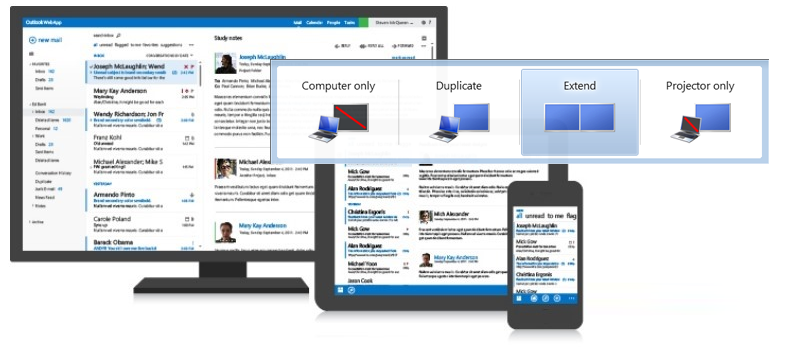
In case you need additional screen connected to your computer but you do not have one available, or simply your computer does not allow you to connect several displays you may refer to  apps that allow to extend your display to other devices. Such apps allow to use another computer or laptop, tablet or phone […]
0
Is it worth to upgrade phone to Windows 10
  • Posted February 18, 2016

Is it worth to upgrade phone to Windows 10

Previously we had few discussions about upgrading a phone to Windows 10 and rolling it back to Windows 8.1. We have decided to close this topic until the official release of Windows 10. I have been testing Windows 10 for few months already and can easily say that if your phone did not have Windows 10 installed from the box, do not upgrade. […]
0
How to have Internet Explorer open in Metro UI mode
  • Posted February 18, 2016

How to have Internet Explorer open in Metro UI mode

Those who enjoy Windows tablets and laptops with touchscreen may have noticed that sometimes Internet Explorer all of a sudden refuses to open links or launch itself in Metro UI, opening in Desktop mode only. The solution here is simple, but tricky to detect. Thing is that Microsoft, in its desire to push up Internet […]
0
How to set up autosave in Microsoft Office documents
  • Posted February 18, 2016

How to set up autosave in Microsoft Office documents

Everybody had this big fail in their life when computer shuts down or reboots on its own, or office crashes on you. When everything is back up and running you understand that the document you worked on did not save at all or was partially saved. Though it might not be hard to restore it […]
0
How to save battery life
  • Posted February 17, 2016

How to save battery life

Software issues are usually simple to fix. You find a way around, wait for the drivers update, resolve program conflicts and so on. However if your hardware is damaged you will have to spend some money to replace the damaged part or even buy a new device. For mobile devices battery is one of the […]
0
How to choose a new graphic card for games
  • Posted February 16, 2016

How to choose a new graphic card for games

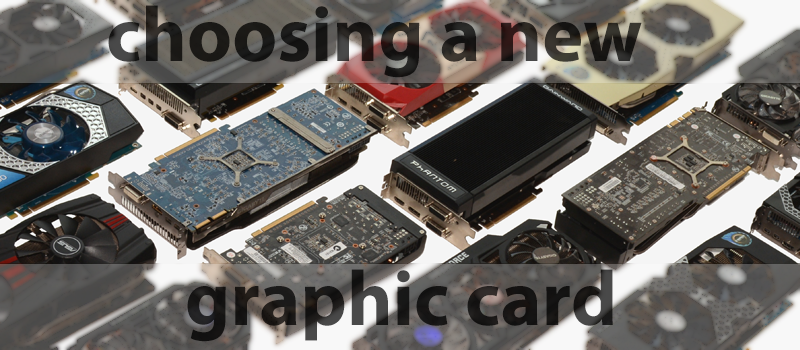
Being a gamer for years, I always keep an eye on my computer configuration to fully comply with the latest games’ requirements. One of the most important hardware pieces for gamers is a graphic card that nowadays is an unnecessary device for office computer since the majority of processors can cover its basic functions. However […]
0
How to connect to the shared printer
  • Posted February 15, 2016

How to connect to the shared printer

Earlier we have spoken about sharing a printer in the local network at home or office in order to let others use printer from their computer. Today we are going to talk about how to configure a printer that is available in network to work with your computer. There are several way for connecting to network printer […]
0
Gaming PC Configuration (February 2016)
  • Posted February 12, 2016

Gaming PC Configuration (February 2016)

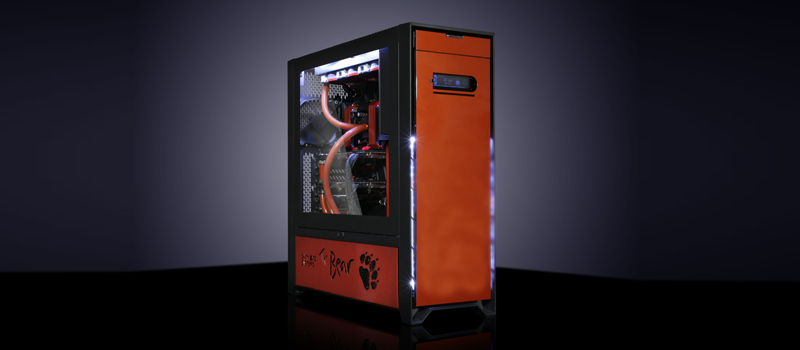
Every year game producers come up with more and more fascinating games in competition to attract more people to their products. Year after year they increase their demands in PC performance and graphics quality to keep the pace. All this enforces PC gamers to improve their hardware performance  in order to ensure best gaming experience. […]
0
How to install Windows 7 with the flash drive
  • Posted February 11, 2016

How to install Windows 7 with the flash drive

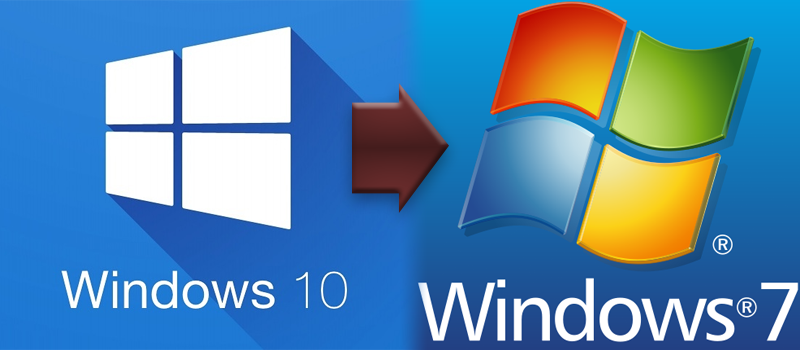
Last week we posted the article about installation of Windows 10 from USB, where we mentioned Windows 7 having different method. We received a few questions about Win 7 installation, apparently not all the users like Windows 10 and want to downgrade to Windows 7. So we decided to give a small step-by-step instruction for old, but bellowed OS […]
0