Have any questions? +1 646.844.5712 (US)

  • Posted June 24, 2016

Screen is getting dark in Windows 10? Fixed!

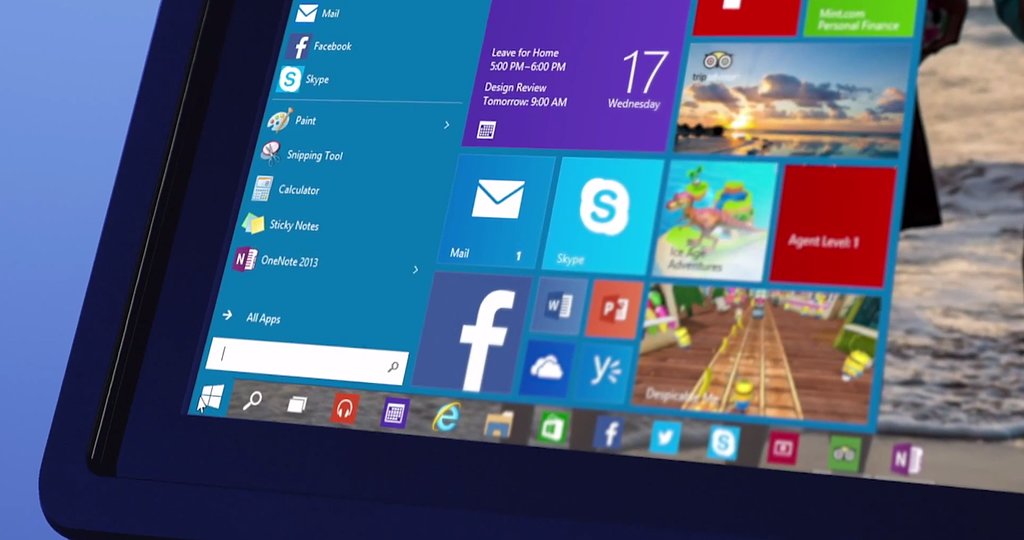
After upgrading to Windows 10 you might find that your computer acting quite different from the previous OS version due to some settings that you have never touched or even knew about.   For example, Windows 10 screen going darker during the dark scenes in the movies or games, it even seems that it almost turns off the screen. This […]
0
  • Posted June 23, 2016

How to search by date in Window?

Did you have that experience when you worked on a document for some time, but do not remember exactly its name and where you saved it? I’m sure you did. So today we decided to help you locating your lost documents in the quickest possible way: in this case – searching by date.   Windows search […]
0
  • Posted June 22, 2016

Private (incognito) browsing mode uses (besides porn)

People speculate about private browsing mode, but let me assure you it isn’t just for pornography. In fact it’s not even for private browsing! It has so many other uses. It goes by many names: Incognito Mode in Chrome, Private Browsing in Firefox and Safari, InPrivate Browsing in Microsoft Edge, but it’s essentially the same feature in all these browsers. […]
0
  • Posted June 21, 2016

How to change WiFI channel?

The majority of people never look at their routers’ settings using out of box presets, however it’s not always the best option, as there is a bunch of settings that can influence the speed of your internet connection and the strength of the signal. One of the options is a channel of your WiFi signal.   If […]
0
  • Posted June 20, 2016

How to configure Action Center in Windows 10?

Action Center in Windows 10 is used to display all kind of notification that system and install applications can bring. Also, it provides quick access to the list of system settings. Now you do not need to go to the Control Panel to changes chosen configuration; you can easily access it through action center. You can find […]
0
  • Posted June 17, 2016

How to make URLs shorter and share like a boss

Tons of information are shared over the internet every second. Some people share information for marketing and advertising purposes, some to make the team work on a document easier, some do that for self entertainment or just to help friends. Well, there are many different ways and reasons to make a post on Facebook, Twitter, write promotion […]
0
  • Posted June 16, 2016

Excel: Using and managing styles

Microsoft Excel offers multiple tools to work with your spreadsheet. It also allows to style your document to look nice when you print it or export it to PDF or any other format.   Microsoft Excel provides quite big list of preset styles. By default, they can be found on main panel in HOME menu: Selecting part of […]
0
  • Posted June 15, 2016

Apple introduces iOS 10: what’s new

Hi guys! Hot news! On WWDC in San Francisco Apple has introduced new iOS firmware, iOS 10. New iOS features quite a few fundamental changes. Let’s see what’s new in iOS 10 from Apple. Interface Let’s start with an interface. iOS 10 features new LockScreen. Now when you take your iPhone it will automatically turn on it’s display. To reach a camera – […]
0
  • Posted June 14, 2016

Gaming PC Configuration June 2016

The majority of game developers release their AAA games at the end of the year, around November. Nevertheless, one of the most interesting events for gamers take place in June, when on E3 (Electronic Entertainment Expo) the biggest game developer companies of the world present their future releases. This year is not an exclusion and Ubisoft, Bethesda […]
0
  • Posted June 13, 2016

How to block facebook ads?

Facebook is one of the most popular social networks over the Internet. By using Facebook for socializing, you disclose you personal information, you site likings, your list of friends, places you visited, you even use facebook to access different sites and services. Facebook knows everything about you, and in many cases more than you do. Facebook robots carefully examine your interests and browsing […]
0