Shopping online is a very popular as you don’t need to derive\walk to multiple stores searching for the product you need – everything is in your computer and will be delivered once you find the product you want with the reasonable price.
However, there is one drawback in online shopping – you can’t see how the product really looks, just the picture of it and it might happen that something that you like on the picture you wouldn’t like in real life. In this case, of course, you need to go to the nearest shop, take a look at the product, touch it, make sure that it’s really the one you are searching for and… go back home to compare the price in store with the one on-line.
We prepared a little life hack for you, that would help you to compare the price in your local store with the price on Amazon on the go. Of course, you can always go old style – open your browser on the smartphone, navigate to Amazon, then use a search bar to enter the product name, pick the product from the search result, check that this is the very product you need, not some similar model and then check the price. As for me, this is too long,
Instead, you can use a mobile app called AZ Mobile Gizmo where you can simply scan the UPC of the product (you can find it on any price- tag) and find the product in Amazon database.
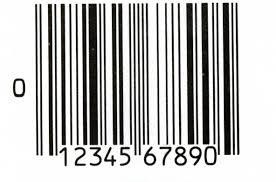
Originally AZ Mobile Gizmo was designed for Amazon sellers as an app to calculate the fees sellers pay for Amazon selling their products, and the main idea was to give the sellers an ability to find a product by any criteria – name, ISDN, UPC, QR code and so on. While the app contains a lot of additional parameters for sellers that ordinary users mostly don’t care about – package weight, dimensions, Amazon fees and so on, ordinary buyers can easily find their product and see it’s price online.
So if you are getting ready for shopping, don’t forget to download this free app from Google Play or App Store.
Links to GP and APPStore
Once you find the product you like in the store, simply open the app and scan the UPC (or enter the name or any other product identifier) and hit Search button.
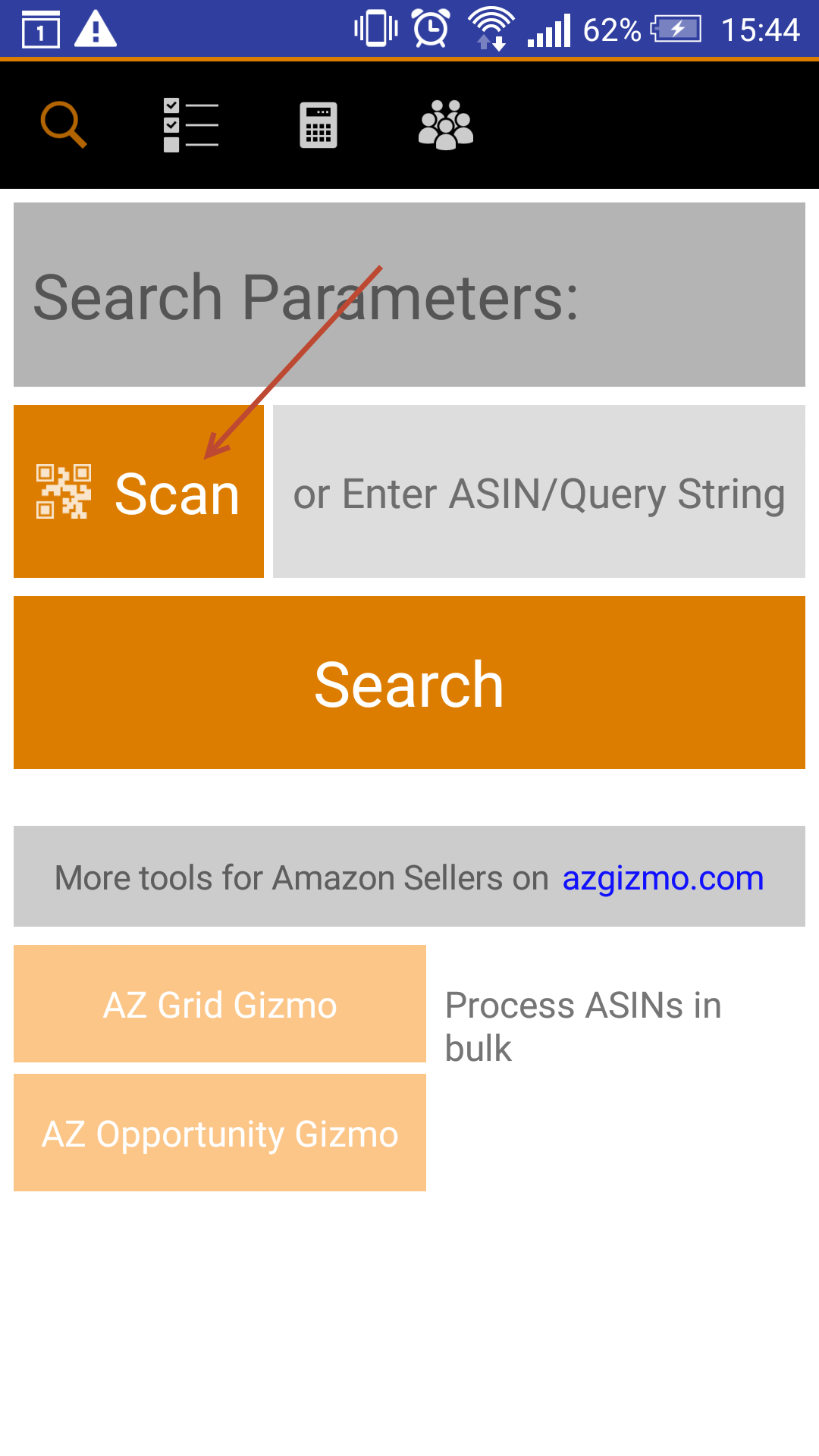
Just point your camera to the UPC on the box or price-tag

Hit the search button and here it is! The product you want with its actual price on Amazon.
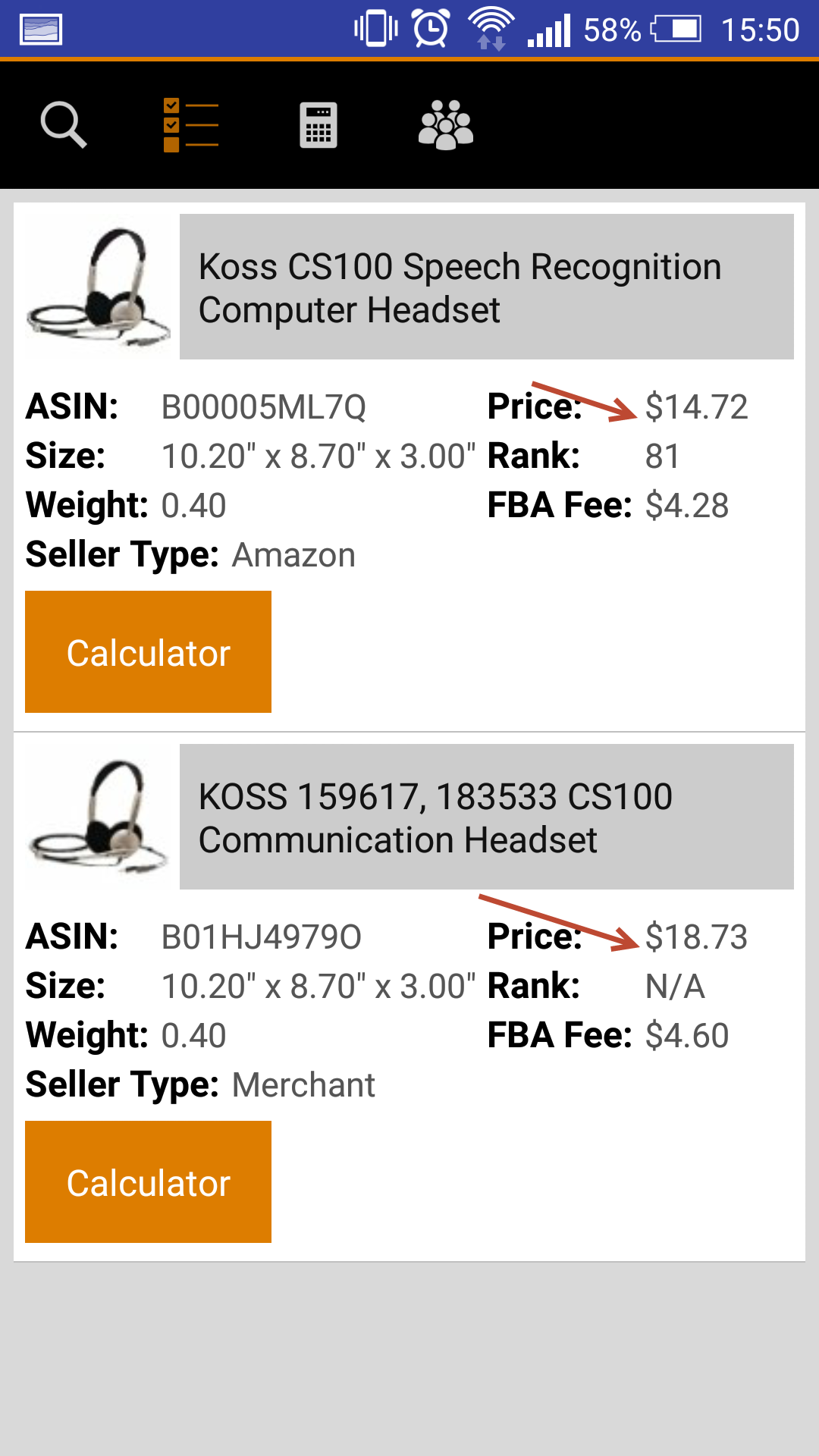
Here is another little trick about shopping on Amazon, some products having one and the same model might be sold on Amazon under different names and prices, so with the help of AZ Mobile Gizmo you can find the best price for you.
Once the product is chosen, simply click on the product name in the app and you will be sent to Amazon directly to the product page. That simple.
We hope now your shopping will be faster and more HiTech.
Stay tuned for more life hacks from HiTech Service support team.