Lately, Facebook started getting better at making things worse. For example, the latest feature on facebook news feed called “Top posts across Facebook”. You probably noticed that when you scroll through the Facebook news feed, at some point you notice that none of the posts you see is related to the people or pages you follow or like. Posts you see are not recommended or sponsored either. So that is Top posts across Facebook.
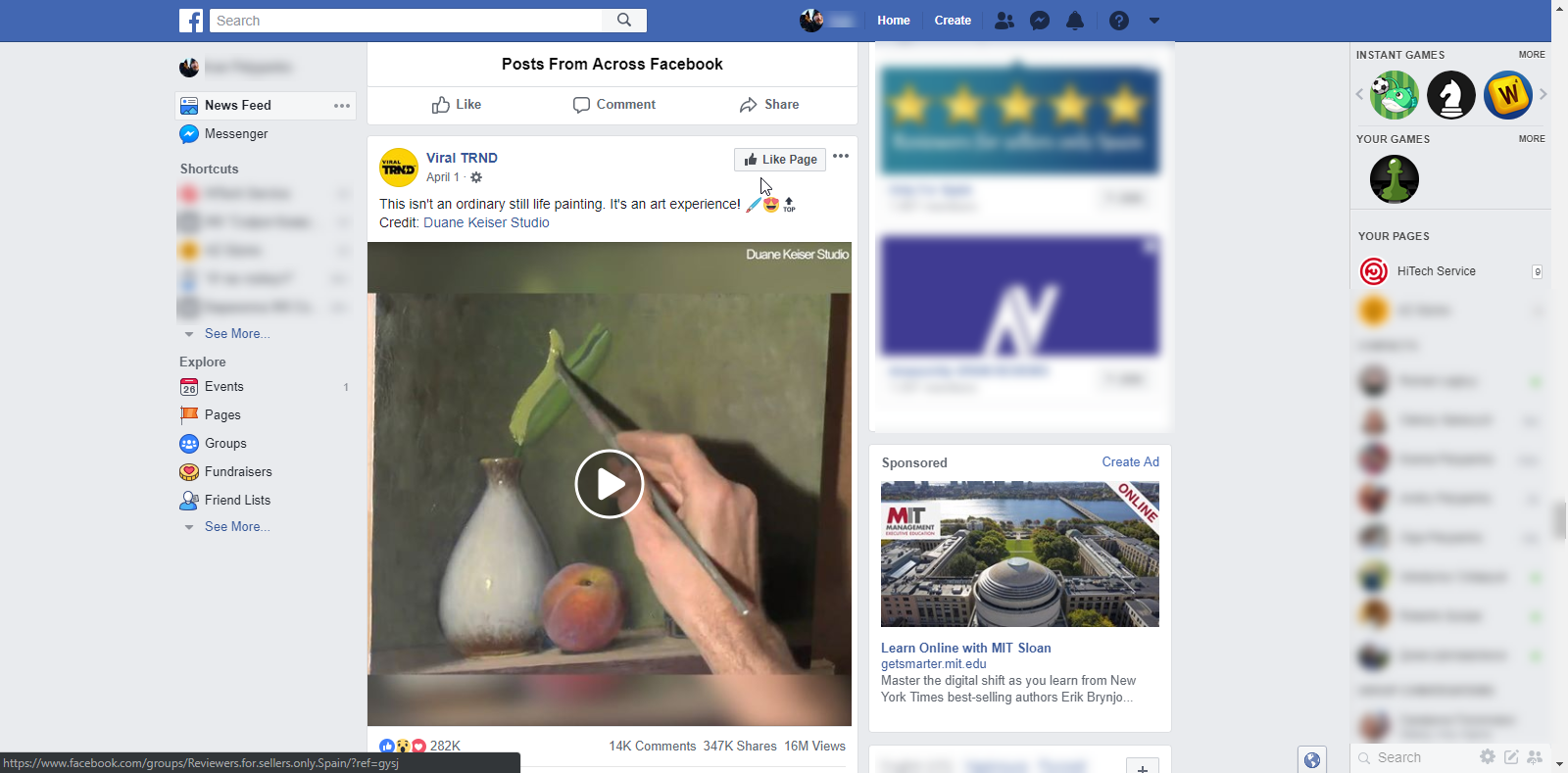
If you look closer, you will notice that all these unrelated to you posts will appear after one specific banner:
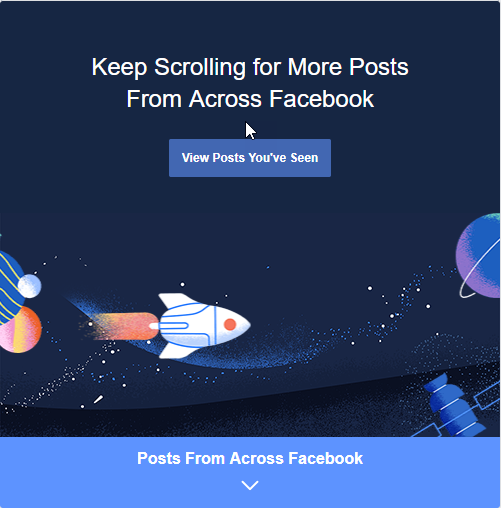
Unfortunately, there is no option under the settings that will allow you to disable “Top posts across Facebook”, and that is confirmed by Facebook reps.
The only way at this point is to click on View Post You’ve Seen. This will help to get rid of the annoying posts, but as soon as you restart your browser or use a different computer, they will show up again. Looks like this setting is saved in your cookies, so starting the new browser session will reset it.
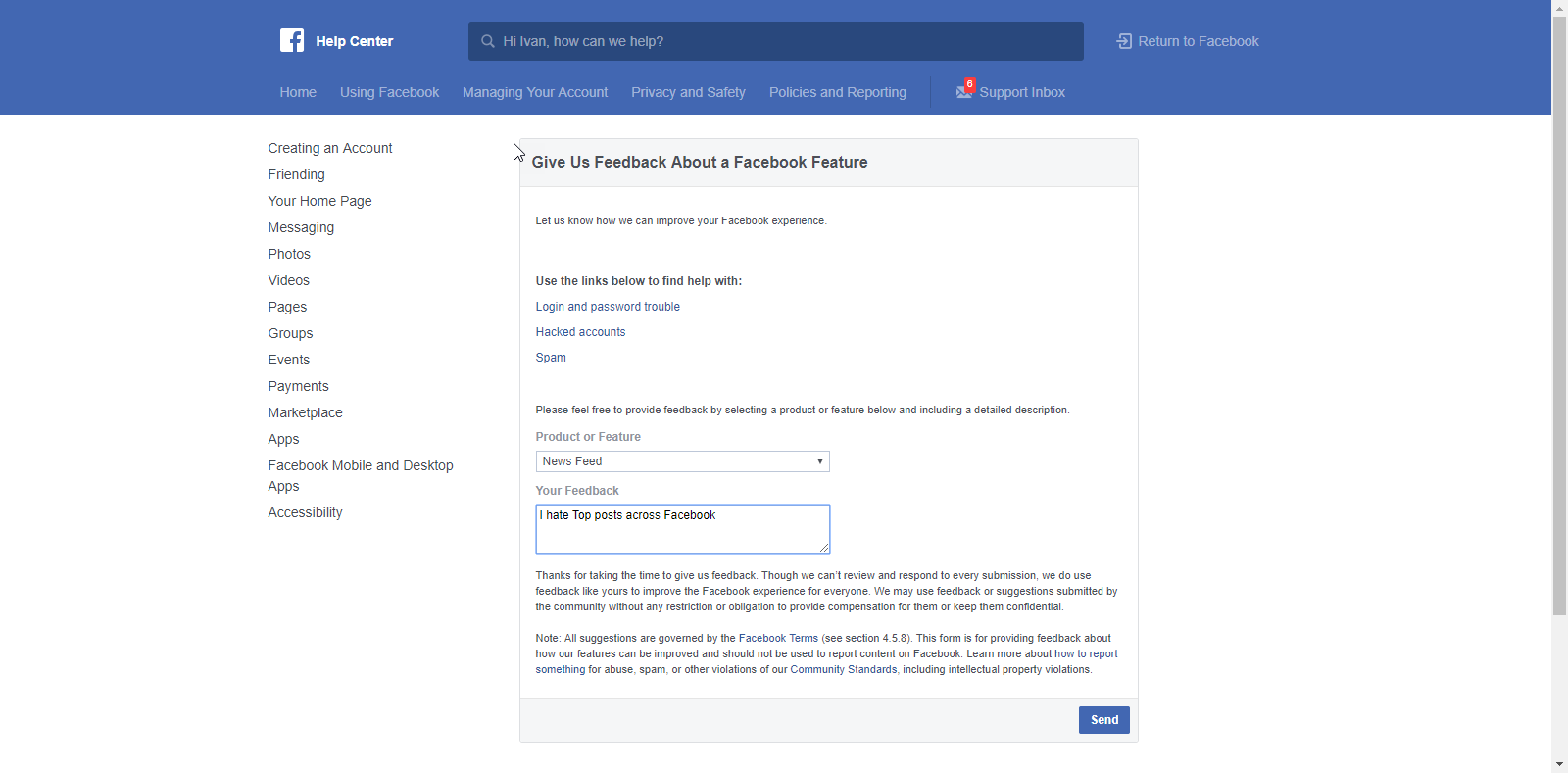
All you can do at this moment is to let Facebook know that you hate “Top posts across Facebook” and leave the feedback using this link
https://www.facebook.com/help/contact/268228883256323