How to change notification center icons on Windows Phone 8.1?

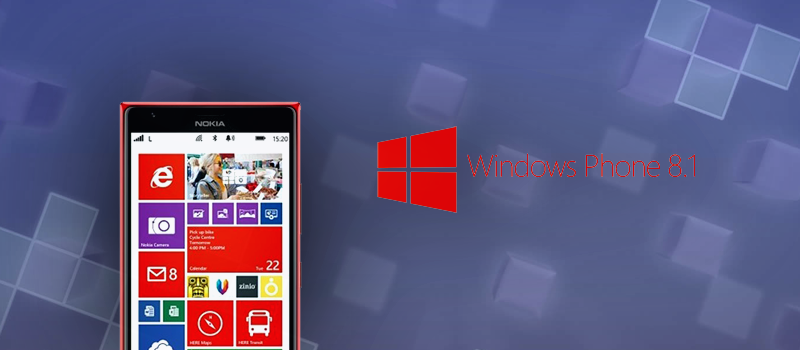
On Windows Phone 10 there is a great feature implemented. When you swipe down on your screen, you get access to numerous settings, so you do not need to search for those under phone configuration screen. Windows 8.1 does not have that feature, so when to swipe down you can see only four configuration icons. Let’s see how you can adjust those to whatever you need.


Windows phone notification center configuration 02 — How to change notification center icons on Windows Phone 8.1?

By default, there will be Wi-Fi, Bluetooth, Airplane mode and camera.

Windows phone notification center configuration 03 — How to change notification center icons on Windows Phone 8.1?

I do not like this default set up as do not use Bluetooth often and to activate camera I separate physical button on the rib of the phone. To change that swipe down on the screen and tap on “ALL SETTINGS”:

Windows phone notification center configuration 04 — How to change notification center icons on Windows Phone 8.1?

Then tap on “notifications+actions”:

Windows phone notification center configuration 05 — How to change notification center icons on Windows Phone 8.1?

Just tap on the icon that needs to be replaced and select and new function.

Windows phone notification center configuration 06 — How to change notification center icons on Windows Phone 8.1?

As for me, I like having Wi-Fi, Cellular data, GPS and Brightness to be available on that screen. All these features help me to save my battery. But you can place there anything you want depending on your needs.

Windows phone notification center configuration 07 — How to change notification center icons on Windows Phone 8.1?Windows phone notification center configuration 08 — How to change notification center icons on Windows Phone 8.1?


Keep reading

Related articles

fix · how to · windows
Jan 27, 2022
Read article
how to · outsourcing
Dec 21, 2021
Read article
how to · microsoft · news · windows
Dec 3, 2021
Read article
Work with HiTech

Need a team that can do this for you?

Software development, quality assurance, managed services and compliance work, delivered by the HiTech Service team.