You never know what will come to you mind next minute. Maybe at some point you would like to get rid of your Facebook account.
There might be different reasons to do so, but it turns out to be pretty hard to locate a button for this in Facebook interface. So we just decided to provide you with direct links not to spend time.
There are 2 options:
Deactivate – in case you think you might want to come back at some point. This option allows you reactivate your account someday.
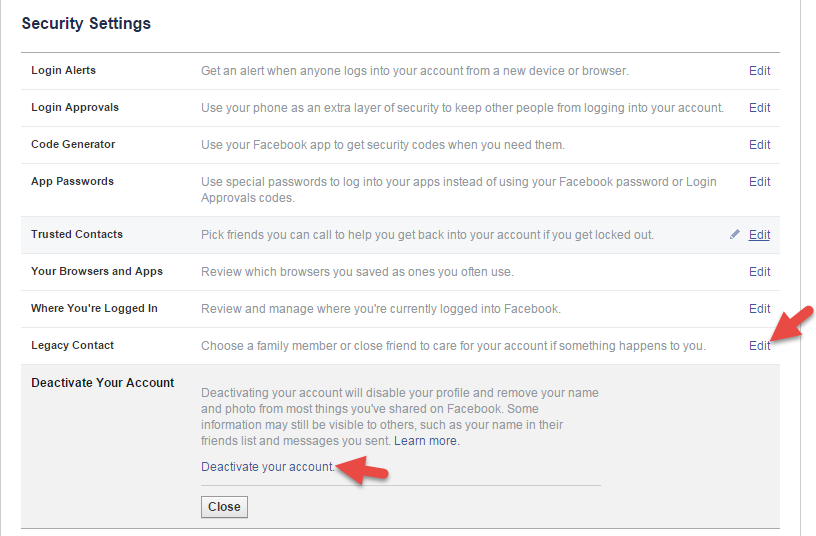
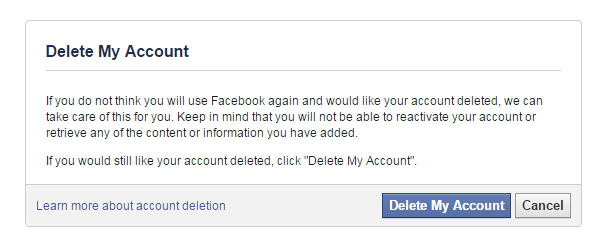
Delete – in case you want to have you facebook account deleted completely. All the data is getting erased (at least Facebook guys says so) and deleted account will no longer show up anywhere. It is really hard to find, if compared to Deactivation option, so just follow the below link to proceed with deleting your Facebook data.
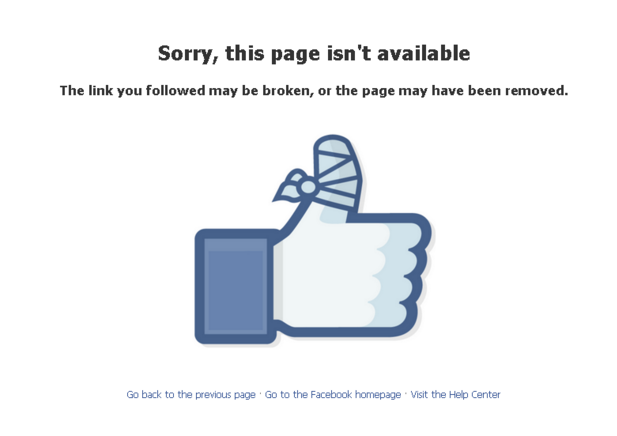
Anyone who still has link to your deleted page will no longer be able to see it and will be getting the following screen.
We strongly advise that before deleting Facebook account you should backup your data, not to lose personal information. Please read this article that explains how to export all necessary data from your account