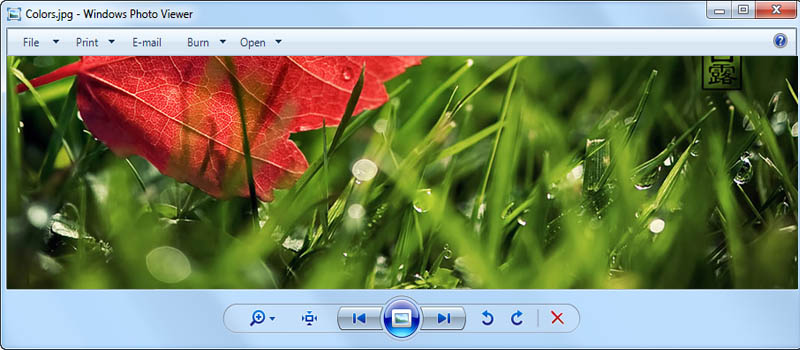
There is an issue with the way Windows Photo Viewer and the list of the other software start displaying colours in the wrong way. It looks like some filter applied to it. In real, usually it caused by updating current drivers for display adapters or upgrading to the new hardware (so brand new drivers getting installed). In this case newly installed color profile can work incorrectly.
The solution, in fact, is really simple — delete extra profile and keep generic one. Just open Control Panel and go to Color Management. This screen contains list of existing profile with one of them set as default. Set “sRGB Color Space Profile” and delete everything extra, except your display profile. In some cases you might not see the profile in the list, but it’s in there, you just have to add it in “Advanced” tab. Computer restart is recommended.