Every note with Evernote? What alternatives do you have?
Recently, one of the first truly successful startups – notes storage service Evernote – has announced major changes in their tariff plans. I will not try to analyze all possible causes of this event, Evernote has changed the terms of service use many times, but it’s the first time that these changes affect basic functionality. The key innovation here is that Evernote now limits free account to two devices only. In other words, if you use a smartphone and a laptop – you’ll be fine, however adding a tablet or another smartphone to this list will force you to move to a paid subscription.
Fortunately, there are alternative services offering mostly similar, with some variations, functionality for managing notes.
First let’s take a look at what three pillars of modern industry have to offer: Apple, Google, and Microsoft.
Apple Notes
- Platform: of iOS , MacOS , web
- Price: free (system service)
- Restrictions: iCloud storage
- Ability to import Evernote notes: Yes
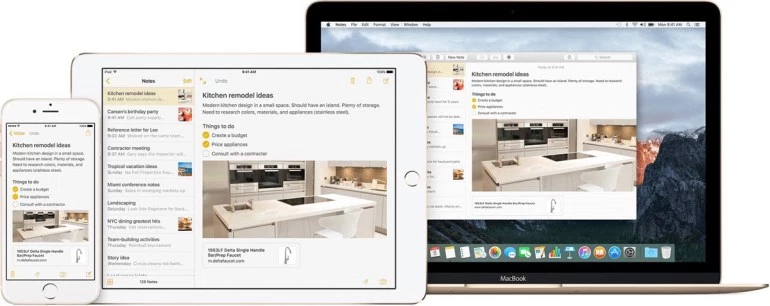
By large, “Notes” boat only one indisputable advantage (which many regard as minus) – this app is originally available on virtually any modern Apple device. Synchronization occurs through iCloud, Apple cloud service, which is now quite reliable and is the basis of their ecosystem.
“Notes” supports single-level folders and simple but ample formatting: different text styles, creating lists, graphic elements in any part of the notes. It supports voice input and drawing. In addition, each individual note can be password protected or, on the contrary, shared via the standard menu “Share” in the iOS and MacOS. Through this menu, you can also turn a note into a reminder that can be forwarded to the application “Reminders” on all devices. However, there are no built-in reminders in Apple’s «Notes”.
In future versions of iOS 10 and macOS 10.12 Sierra Apple will add team-editing function of notes that will significantly increase the attractiveness of the application, especially for business users.
Unfortunately, despite the obvious appeal, the absence of client applications for competing platforms can not make the “Notes» by Apple a universal substitute for Evernote, like iMessage and FaceTime will not replace Messenger or WhatsApp.
Google Keep
- Platform: Android , Chrome OS , Web , iOS
- Price: free (system service)
- Ability to import Evernote notes
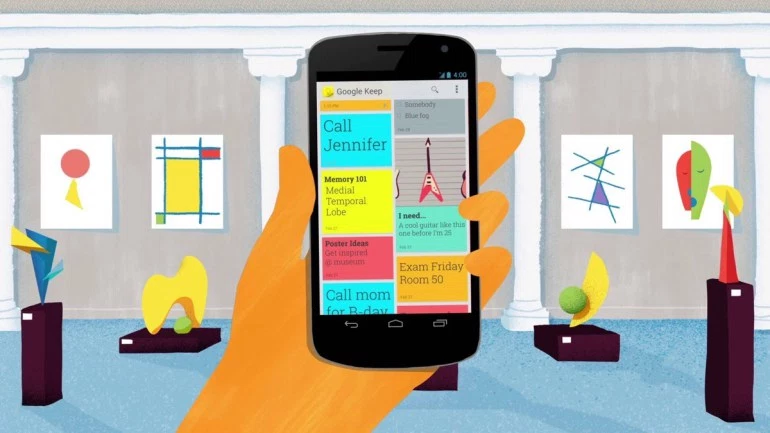
Google Keep sounds familiar to all Android users. This is the same system service from Google, just like Notes from Apple, however, with its nuances. In terms of formatting of notes almost all of the standard options are available, such as lists, text styles, and voice input. Unfortunately, any graphic files added to the note, are only shown in its title.
However, notes in Google Keep may be converted to reminders, and they are not transmitted in some separate application, as it occurs with Apple, but are simply transferred to the corresponding section within the service.
Google Keep’s interface overburdened by various fonts and colors gives more of a playful impression. As a result, excessive primitive design and the absence of Google Keep desktop clients can be enough for someone as a standalone product, but cannot be considered Evernote replacement.
Microsoft OneNote
- Platform: Windows , Windows Phone , MacOS , iOS , Android , Amazon , Chrome OS, web
- Price: Free
- Limitations: The amount of space available on OneDrive
- Ability to import Evernote notes: for Windows only
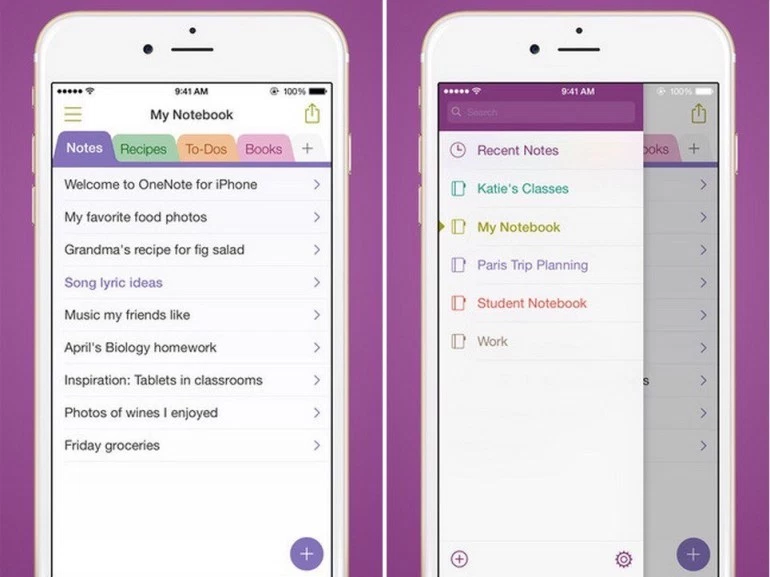
OneNote – is an excellent choice for Windows users, thanks to its tight integration with Microsoft services. But even if you are alternative platforms user, OneNote can be a really good replacement for Evernote. Formatting is rich, Microsoft does not have any restrictions on the number of notes per month, as it is with Evernote. Images can be positioned in any part of the text, which is a clear advantage over Google Keep.
Speaking of cons one should note some cluttering of the interface and, at first glance, overly structured sections of notebook system, but eventually you will get used to it,and it does not affect the merits of the other service. Unfortunately, if you don’t have Windows 7 or newer at hand, you will have to import notes from Evernote to OneNote manually.
___________
Fortunately, we are not limited by only three major players in the market, many other developers offer alternatives. There are many successful developers long time trying to win a place under the sun offering users their vision of notes services.
Simplenote
- Platform: Windows , MacOS , iOS , Android , Amazon , Linux , web
- Price: Free
- Ability to import Evernote notes: No
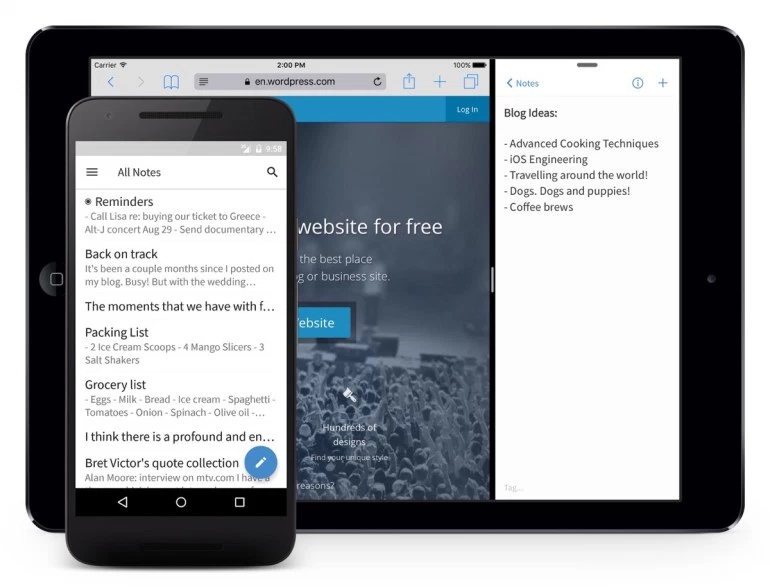
Service name speaks for itself – it’s just notes. Well, that is quite simple: there is no text formatting, images, or anything else in Simplenote. The obvious advantage is the ability of collaboration and versioning, which allows you to roll back the contents of the notes to the previous state. In addition, Simplenote is extended to an impressive array of platforms.
However, replacing Evernote with Simplenote is only suitable for users who do not use any media in notes, as notes are limited to text only.
Quip
- Platform: Windows , MacOS , iOS , Android , web
- Price: free (for basic individual functions)
- Ability to import Evernote notes: yes
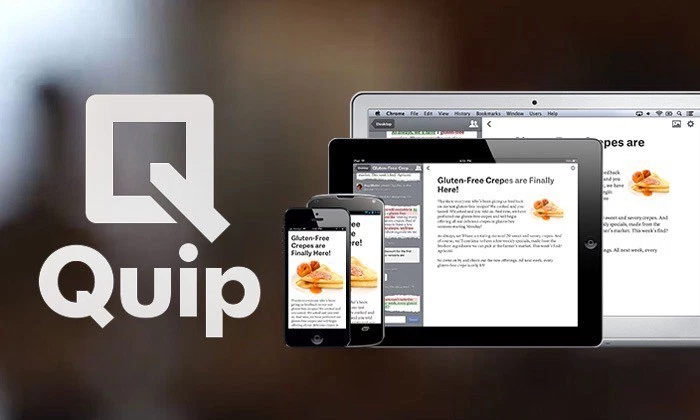
From the point of view of taking notes, Quip is a perfect solution. All that Evernote is famous for is fully present here: from the support of graphic elements to a wide variety of text formatting tools. Quip’s interface is simple and pleasant, sorting of notes is logical and clear.
It is worth mentioning that ability of importing notes from Evernote is present in Quip, realized even in mobile Quip apps. First launching the app user is prompted to import notes from other services and storages. Just choose Evernote from the list, enter the username and password, and after a while the whole structure of your notes will be in Quip.
However, Quip is not just means of keeping and storing notes, it is also a serious tool for team collaboration. After upgrading to corporate version of Quip, it is magically transformed into a powerful mobile office with ability to collaborate in documents and spreadsheets, corporate and individual chats, project managing, and a lot of additional tools worthy of a separate article.
In general, service leaves a decent impression of thoughtful and high-quality product that can be recommended as a replacement for Evernote.
WizNote
- Platform: Windows , MacOS , iOS , Android , Linux , web
- Price: Free
- Limitations: 500 MB / month with a free account
- Ability to import Evernote notes: there are (non-standard)
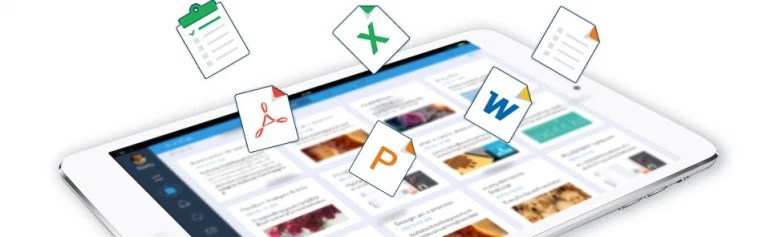
Chinese service WizNote is sometimes a clone of Evernote, and this is partly true: the idea of sorting and formatting of notes for individual use is very similar. But the collaboration functionality of WizNote is ahead of the rest: five (5!) Levels of access is introduced in WizNote, from Viewer, Author and Editor to the Super User, and Administrator)
Formatting and graphics functionality is top notch. There are built-in reminders. It also supports a markup language Markdown – for many users it is an undeniable plus.
One of the downsides of WizNote for some users may be the lack of any other interface languages besides English and Chinese.However, if we ignore some roughness due to Chinese origin, WizNotecopes with the task of replacing Evernote with a bang and is very stable.
Nimbus Note
- Platform: Windows , Chrome , iOS , Android , web
- Price: free (for basic functions)
- Limitations: 100 MB / month with a free account
- Ability to import Evernote notes: Yes (Windows only)
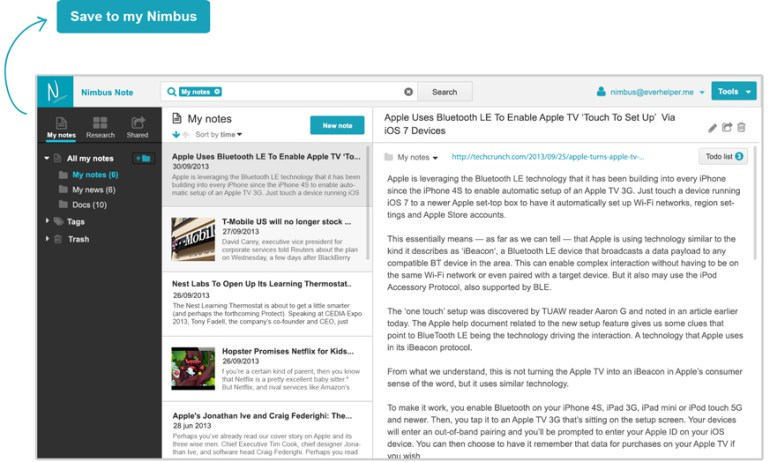
Nimbus Note is a Russian service, positioning itself as a substitute for Evernote. Storing notes occurs in folders with a multi-level structure, formatting tools are standard and repeat those in Evernote. It supports the creation of links to public folders or individual notes.
The obvious drawback is that importing from Evernote is only available for Windows users. In addition, MacOS users are limited to web browser version of the client program and it is unknown whether it will ever be available as a standalone app for MacOS.
Conclusions and recommendations
Of course, the article does not highlight all existing today services for taking notes. Overboard stays , for example, Day One – a real monster of the Apple world, where the creation of notes is taken to a whole different level: each note pulls data about your physical activity, geo-location, weather condition, iTunes song playing at the time of note creating, and much more. Day One in its essence is a full diary and even a blog service: any note can not only be shared but can be fully published on the Internet in the form of a perfectly formatted article on hosting of Day One. However, this amazing and a rather expensive tool is only available for iOS and macOS users, which does not meet the objectives of this article.
- On August 8, 2016
- 0 Comment