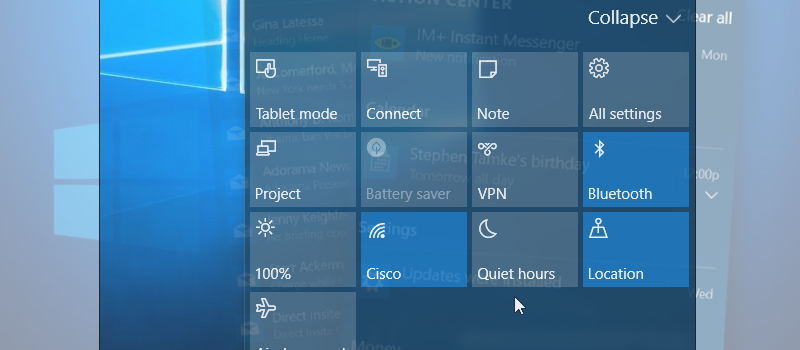
Action Center in Windows 10 is used to display all kind of notification that system and install applications can bring. Also, it provides quick access to the list of system settings. Now you do not need to go to the Control Panel to changes chosen configuration; you can easily access it through action center.
You can find Action Center on the bottom right corner of the screen and look like a small dialog box.

On the main part of Action Center, all kinds of notification are displayed: updated installed\available, antivirus notifications, system failures, etc. On the bottom of the Action Center, there are icons for quick access to different settings.

You can expand it and here will be even more options available.

As the default options will be not suitable for the most user, they can be changed to something more practical. Only the first row of the icons can be configured to whatever you want.
To change them just right click on the taskbar and choose option Properties.

Hit customize to access next screen.

You will be able easily to recognize the area to configure the icons. Just click on them and choose with whatever it should be replaced.

When done just close the screen and the settings will be applied.

Look for more Windows 10 tips and trick at articles page.