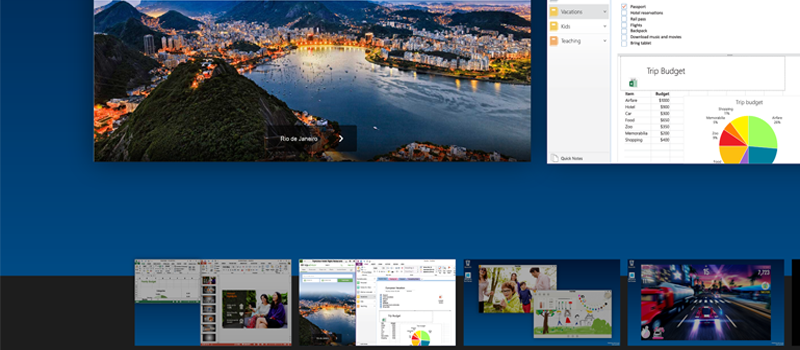
For OS X and earlier version and previous versions of Apple’s operating systems, same as for Unix based systems, utilizing multiple desktops is now a new thing. Nevertheless, Microsoft managed to ignore this feature for decades.
In earlier Windows version users were forced to use different applications to be able to set up several desktops. As nonnative, those were not working as good as the user would like it to.
Finally, Microsoft added this feature with the release of Windows 10.
To set up the additional desktop in Windows 10 you would simply use hotkey Win+Tab.
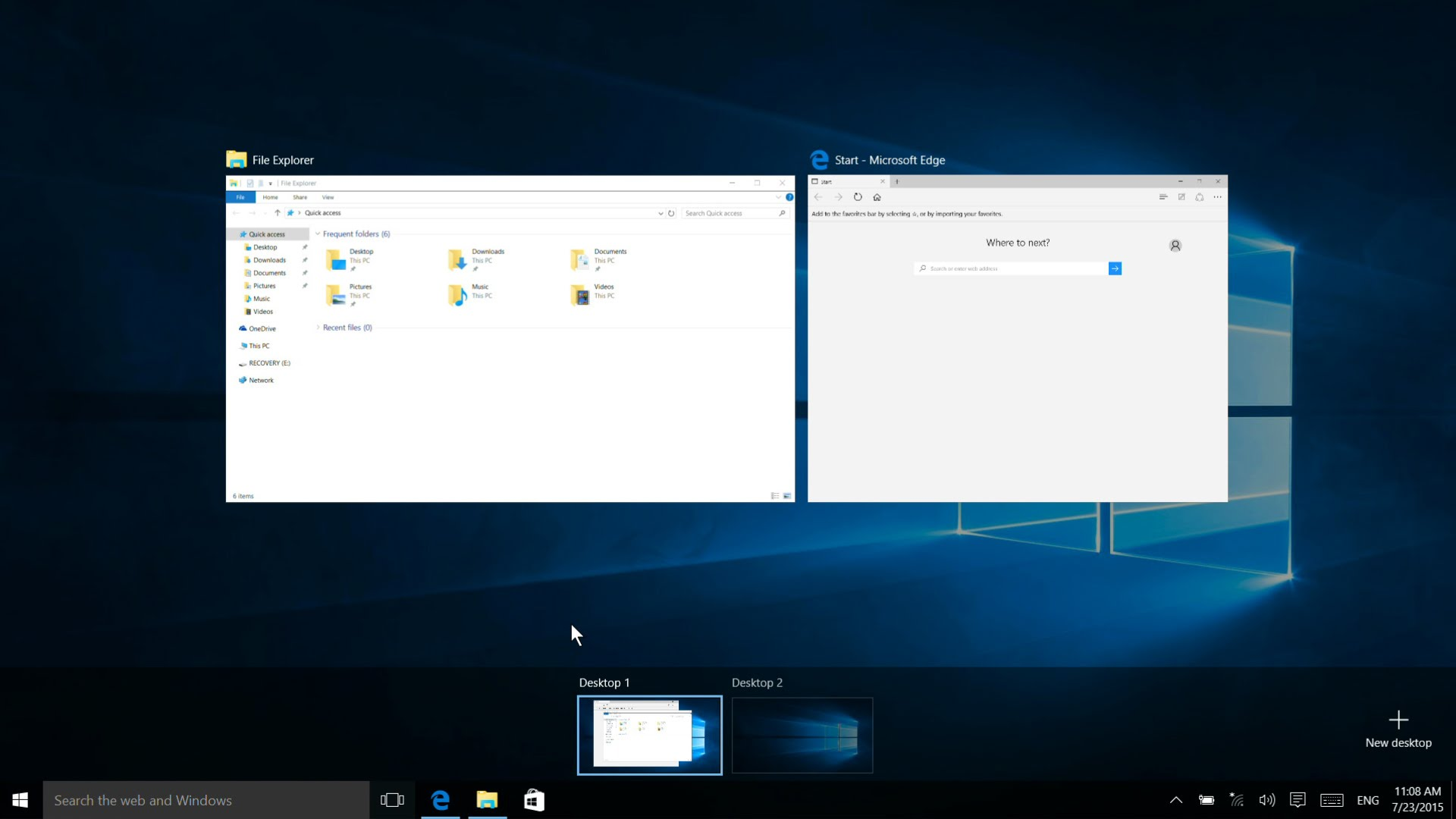
These screens allow selecting windows within particular desktop (similar to what Alt+Tab does), switch to another desktop and more windows between desktops. By clicking on bottom-right corner New Desktop, you can add one or more additional desktops.
As per Microsoft, you can add as many desktops as needed, but you should be ready that this may impact on your PC performance. It clear that it will not be comfortable to use ten desktops, though having 2-4 desktops set up can be helpful if you want to separate your personal and work stuff on one computer.