Sometimes you need to download the video from Instagram. You may record your screen, but later you will need to crop it using any editing software. This is mumbo-jumbo that takes time. Instead, we suggest you two ways that are quick and help you to download the rare original video. Let’s see!
Downloading video with the help of Siri shortcuts
This way requires you to have an iPhone. Using its original app, you will be able to download videos from Instagram.
– Install ‘Shortcuts’ if you have not done it before.
– Go to the Settings>Shortcuts and allow the installation of untrusted shortcuts.
– Now you will need to install the shortcut for a quick video download from Instagram. You can do it here.
– Allow the access you want during the first shortcut launch
How to download videos
– Click on the three dots above the video you liked
– Choose “Share” in the opened menu
– Instagram Media Saver is your next choice
– Wait for the download
– When you try to download, the corresponding window opens
– The page with the media will be opened in the browser
– You should also click on “Share” and choose Instagram Media Saver
– After several seconds, you will receive a notification that the video is saved
Downloading video using Telegram
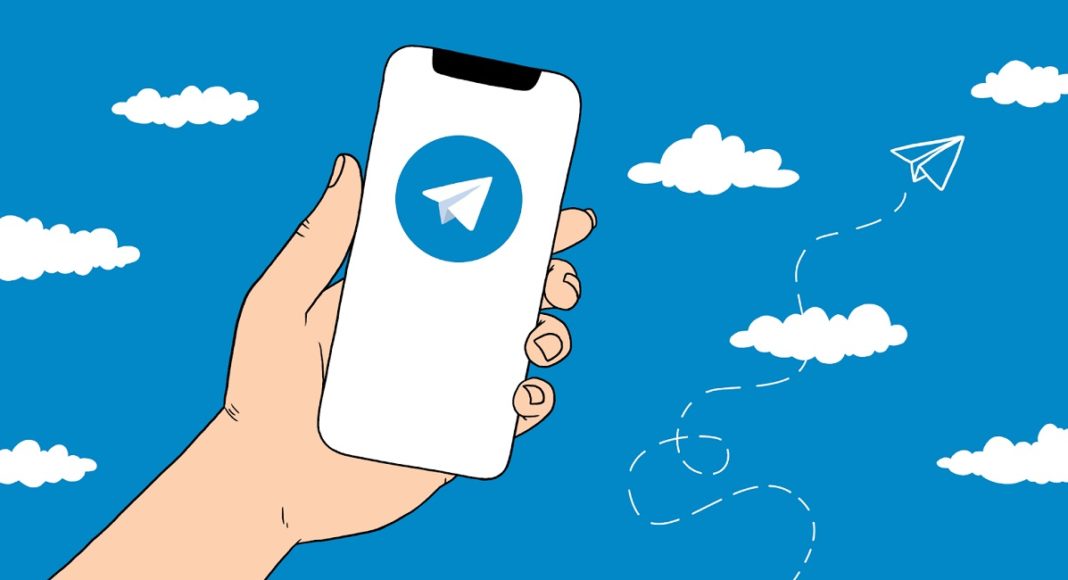
This way will be suitable for people with all platforms. To be honest, this one is easier and even more quickly. To download the video, you will need Instagram and Telegram.
– Copy the link to the video you liked on Instagram. You may use the three dots we mentioned above.
– Send the link to any messenger chat. Of course, you better use Saved Messages.
– Click on the generated thumbnail for the link.
– Save the video to your gallery.
Done! These were two quick ways to download the media from Instagram. You do not need to record your screen and then crop what you have filmed. Just use several clicks and that’s all!