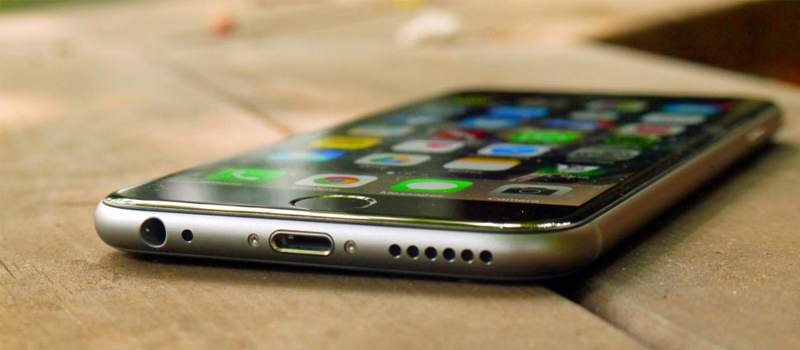
How to Disable Shake to undo function in iOS

Believe it or not but good can be bad. iOS 9 new function ‘’Shake to undo’’ is an example. It’s a neat feature that allows you to shake your phone to undo any typing, but it also might get annoying interrupting your daily activities. Thankfully Apple allows to disable this function, and Hitech Service is here to guide your way.
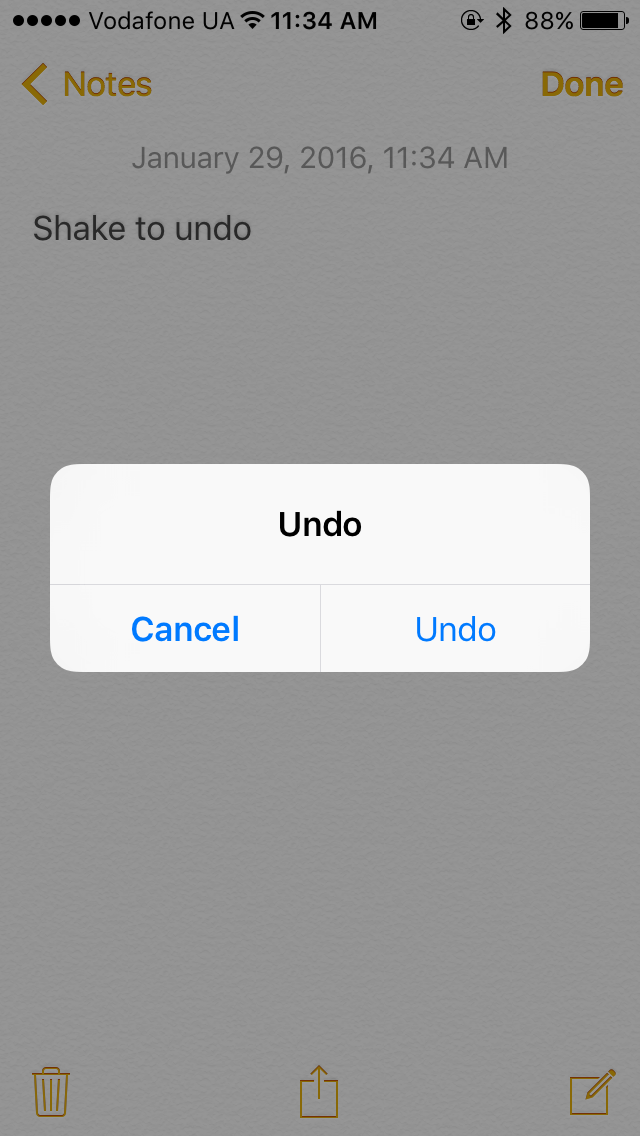


How to disable shake to undo feature on ios 02 1 — How to Disable Shake to undo function in iOS

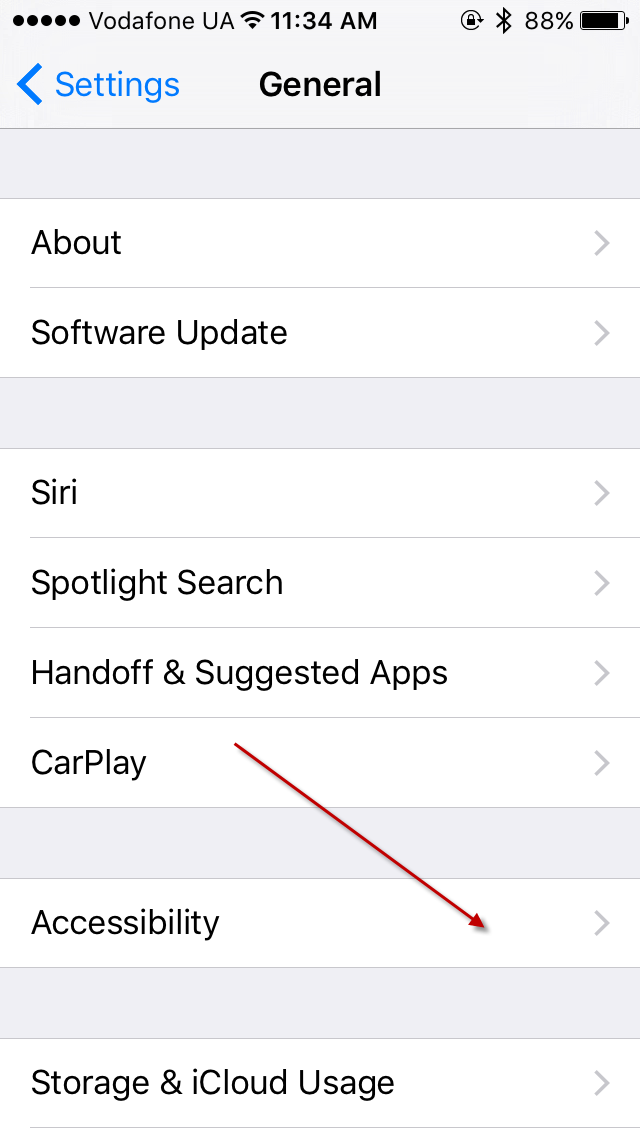
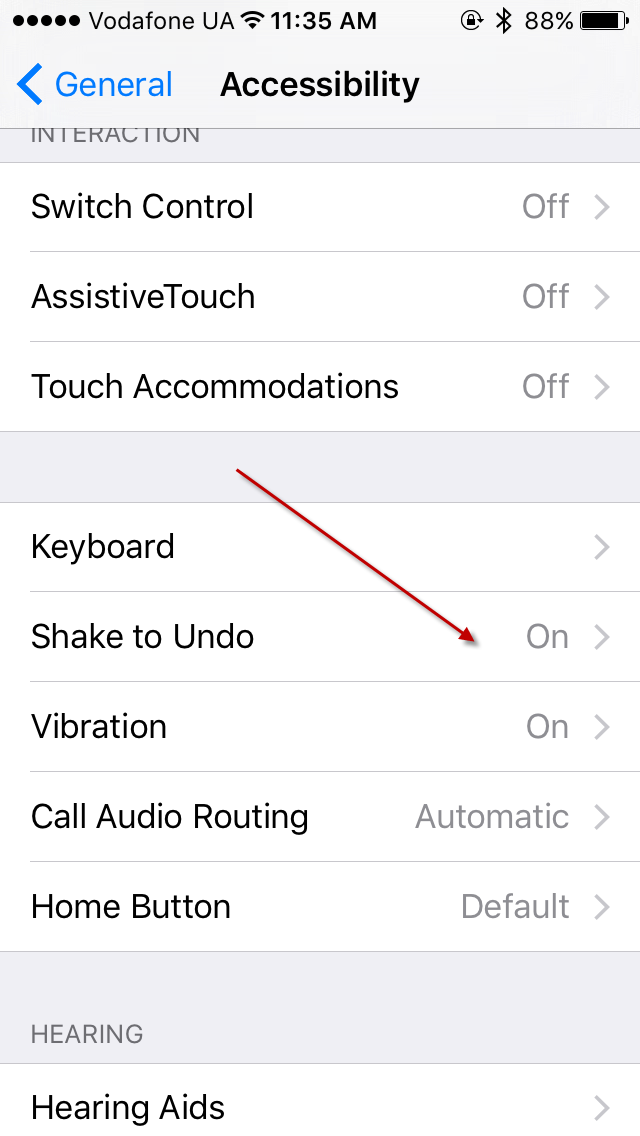
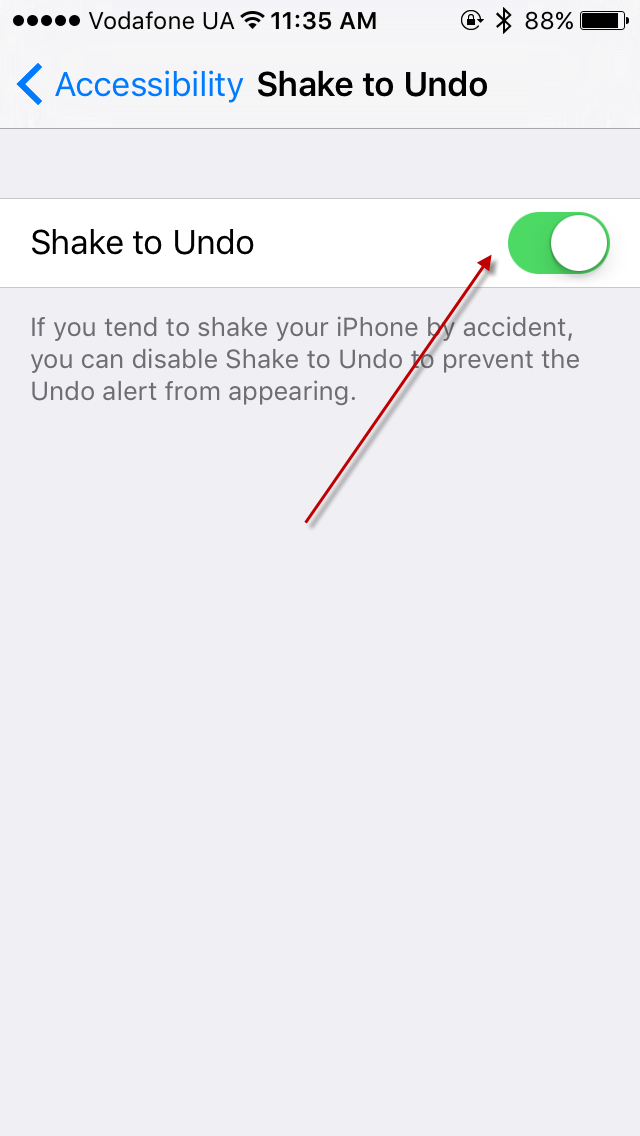
To disable Shake to undo on your iOS device go to Settings -> General -> Accessibility-> Find Shake to undo-> Make changes
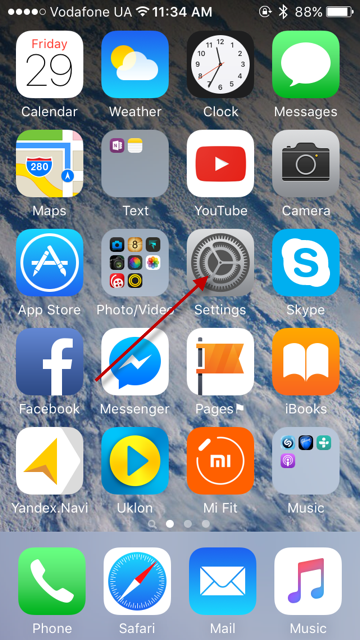
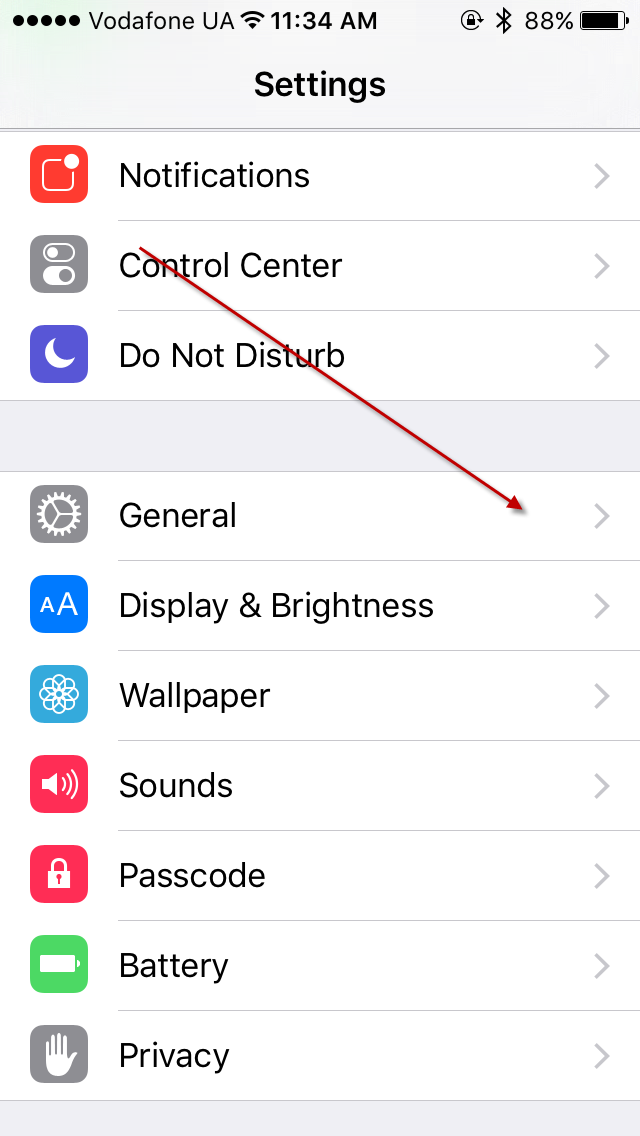
How to disable shake to undo feature on ios 03 — How to Disable Shake to undo function in iOSHow to disable shake to undo feature on ios 04 — How to Disable Shake to undo function in iOS


How to disable shake to undo feature on ios 05 — How to Disable Shake to undo function in iOSHow to disable shake to undo feature on ios 06 — How to Disable Shake to undo function in iOS

How to disable shake to undo feature on ios 07 — How to Disable Shake to undo function in iOS

Now you can shake your phone as much as you want!

Check with us daily, chat with us, or give us call to stay tuned for more tips and tricks!


Keep reading

Related articles

regulation · security · software
Oct 12, 2026
Read article
cloud · software
Sep 24, 2026
Read article
Work with HiTech

Need a team that can do this for you?

Software development, quality assurance, managed services and compliance work, delivered by the HiTech Service team.