Nowadays people tend to save their photos, videos and other information on social networks like Facebook rather than on computer hard drives. But sometimes you may need to share them with someone who is not on your contacts in this network, for instance to have the photos from a recent trip printed at a photostudio, or just share one of the albums with elder relatives, who do not have a Facebook account. Saving photos/videos from Facebook one by one is not a job one wants to do.
Fortunately Facebook has an option to download and save all your data to your device, but it is not an easy task to locate the place to trigger it.
There are several services and extensions that allow saving Facebook content but the best option is generic Facebook export.
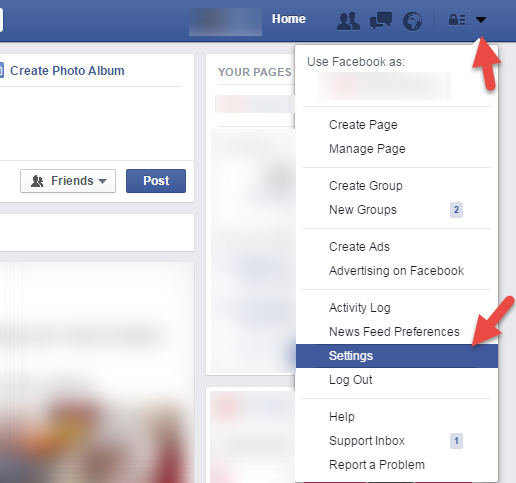
You can request Facebook to archive all you data and export it. Simply go to Settings and click “Download a copy”:
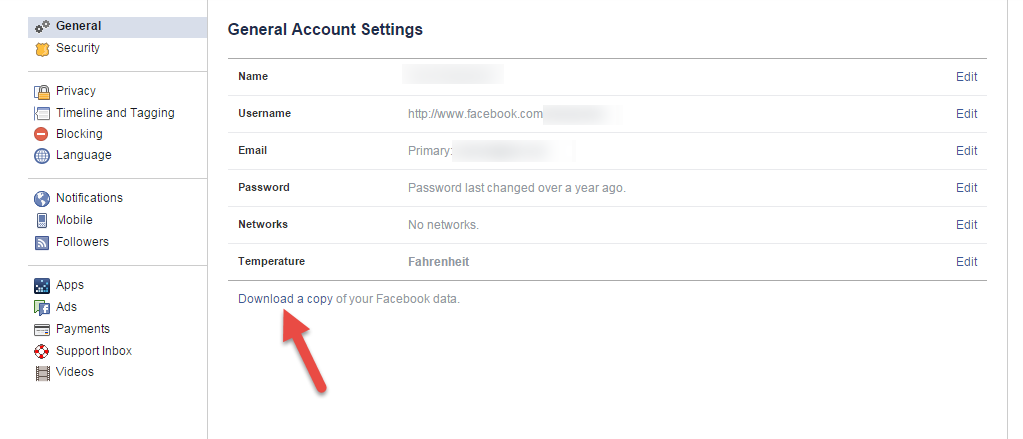
After that you will receive request confirmation email to the mailbox associated with your Facebook account.
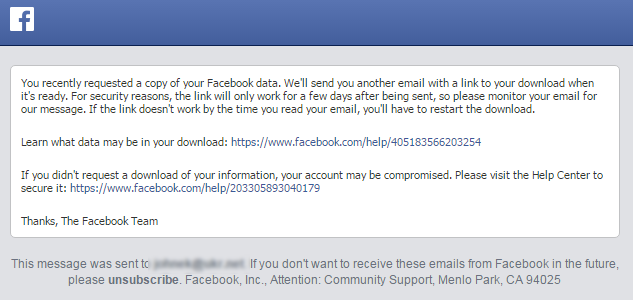
Just in several minutes there will be another letter sent to your mailbox.

Click on the link in the email and follow Facebook instructions:
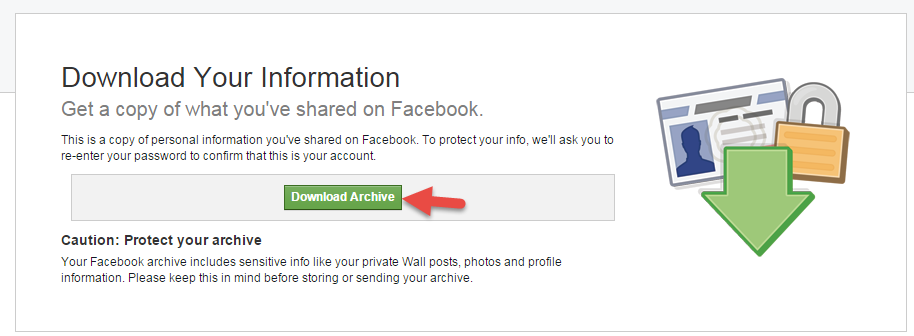
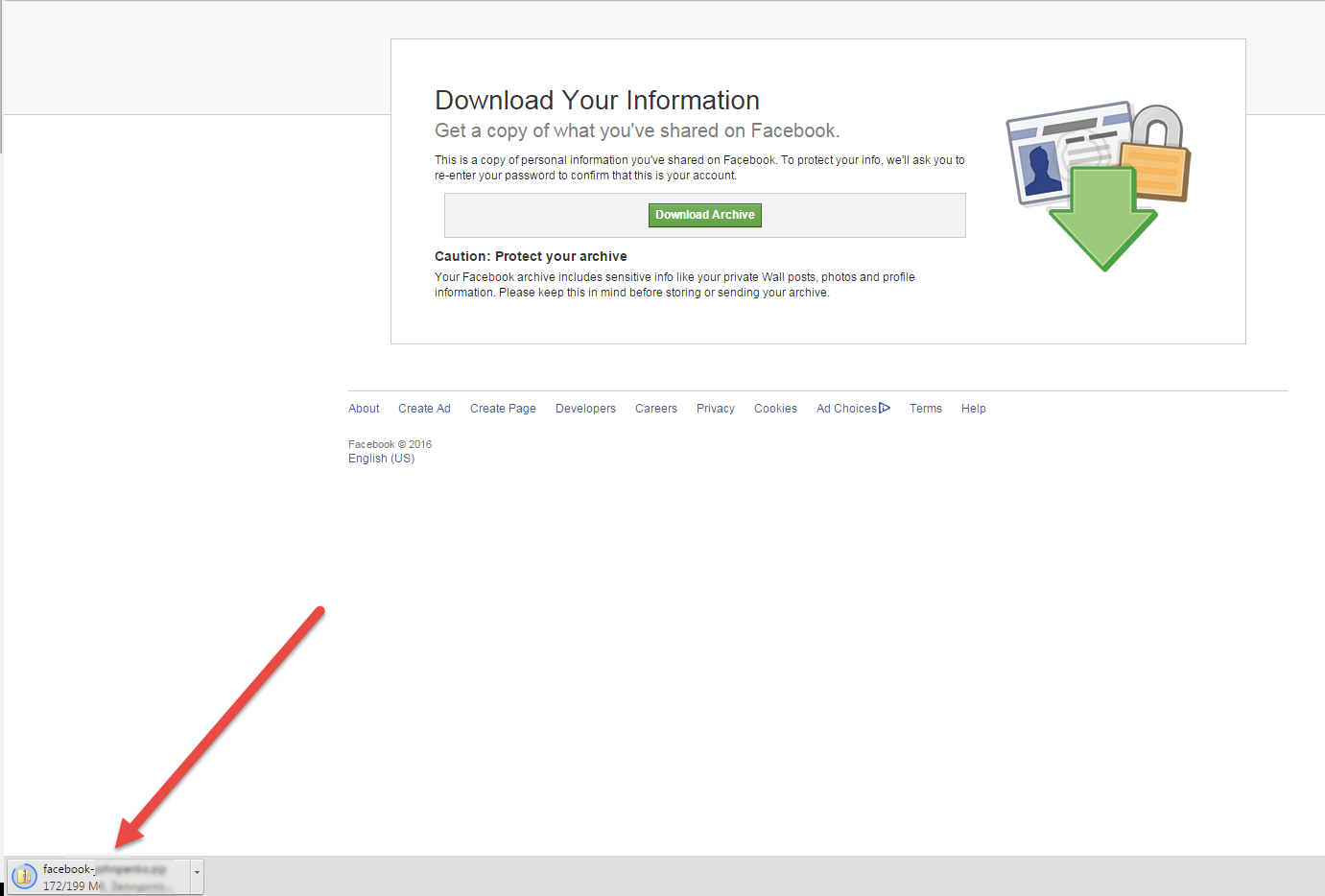
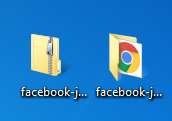
Data will be saved as a .zip archive.
Unzip it to view data.

The following data is exported:
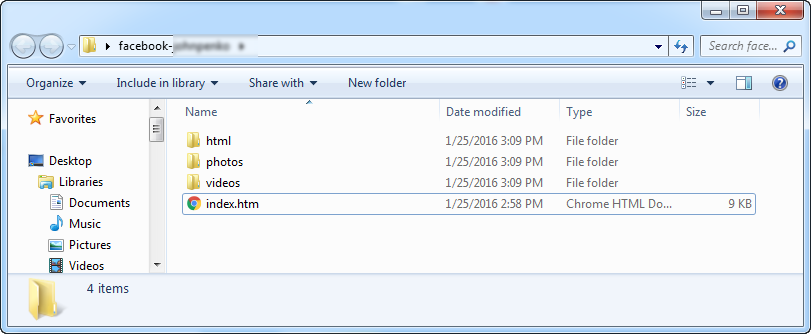
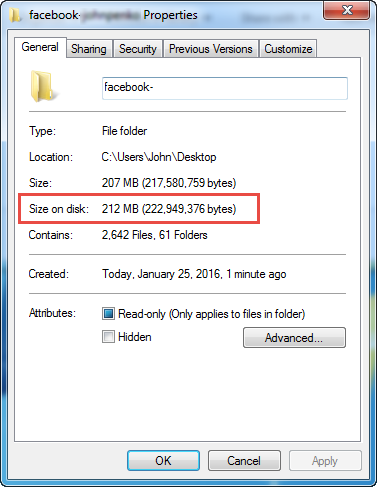
Total size of exported data is around 200 MB, but can vary depending on the volume of the pictures and videos that you have on your account.
Please note that pictures and videos are not exported in HD.