You might came across the situation when you want to copy an paragraph or two from som PDF file to use those in you school paper or research, but the copy button was not active or not even there at all. When the file creator saves the file to the PDF he has an option to protect this document. But we have a way to get around this security feature.
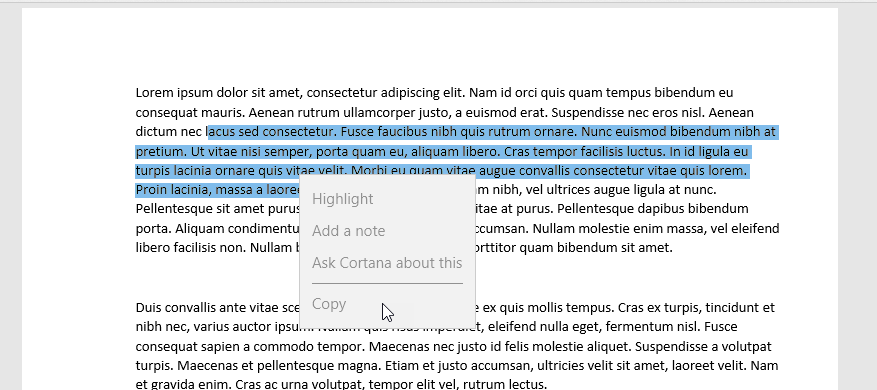
So you may ask how to copy text from protected PDF file? The answer is very easy.
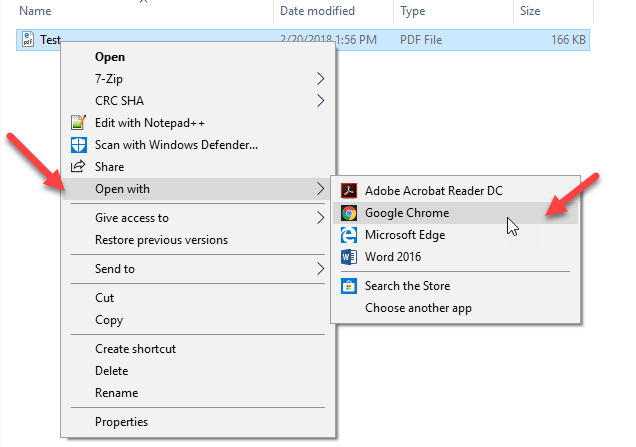
First of all locate folder where the file is saved.
Right click on the file and go the Open With… and then select Google Chrome (for example, may work with other browsers too).
You will see that copy option is not there yet.
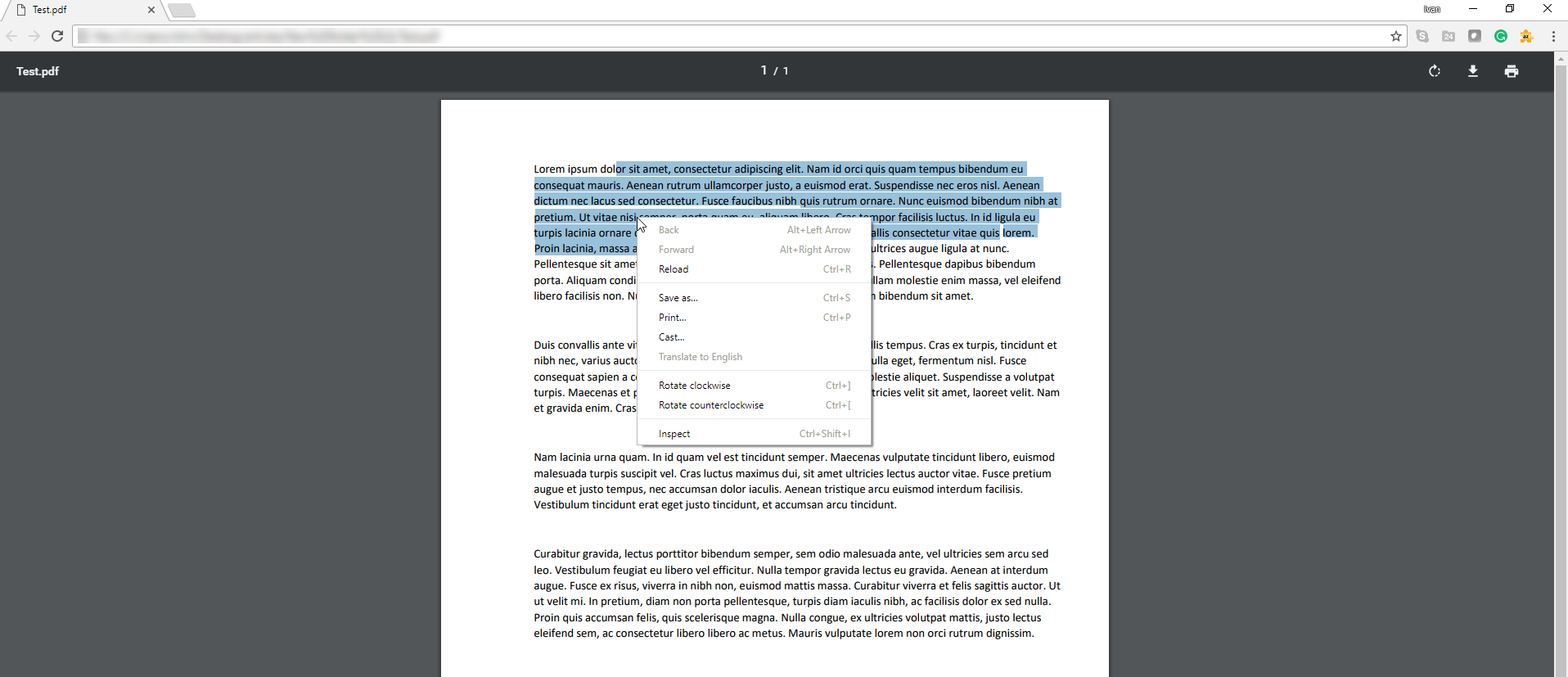
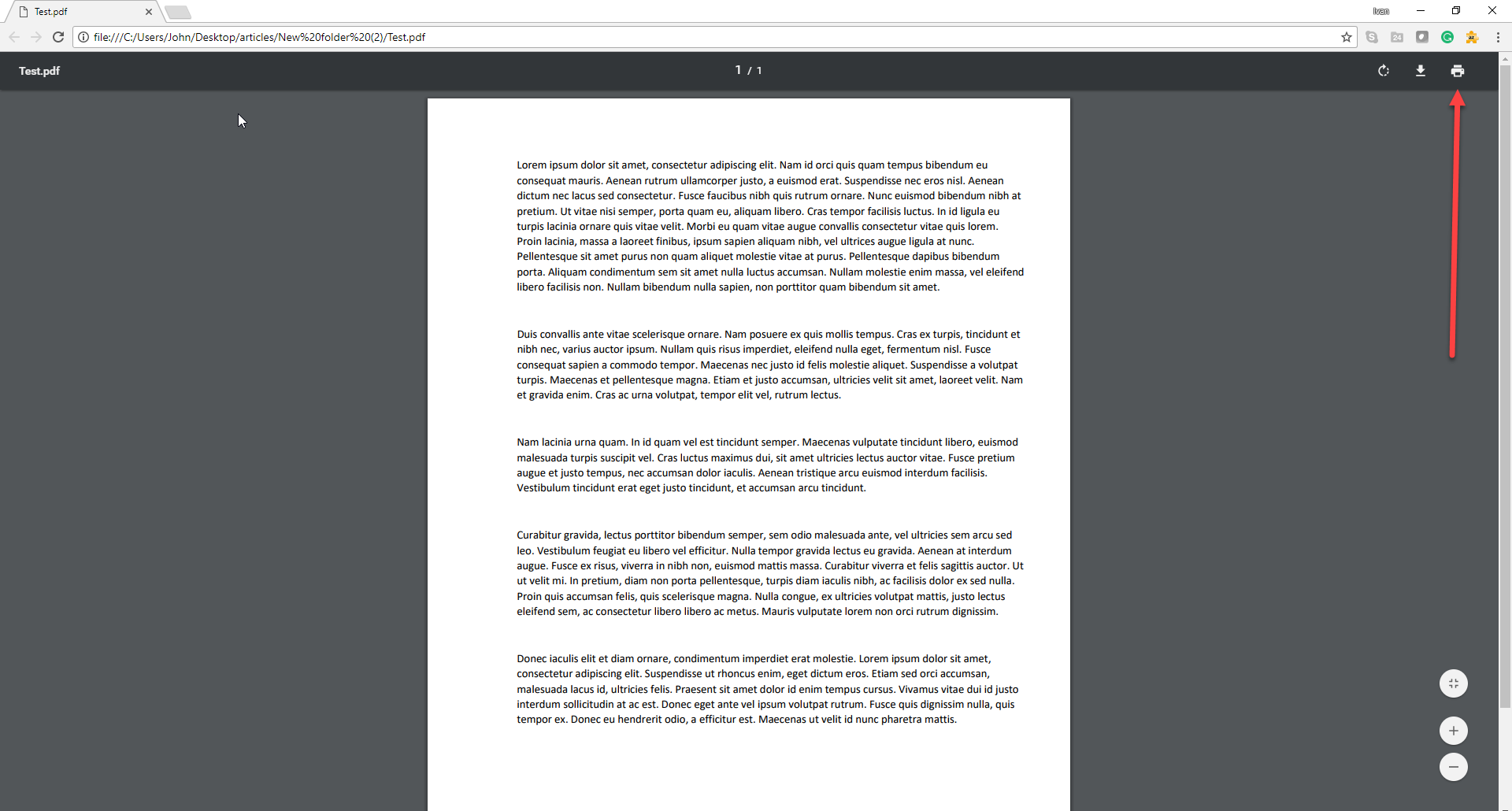
Hit Printer button on the main panel
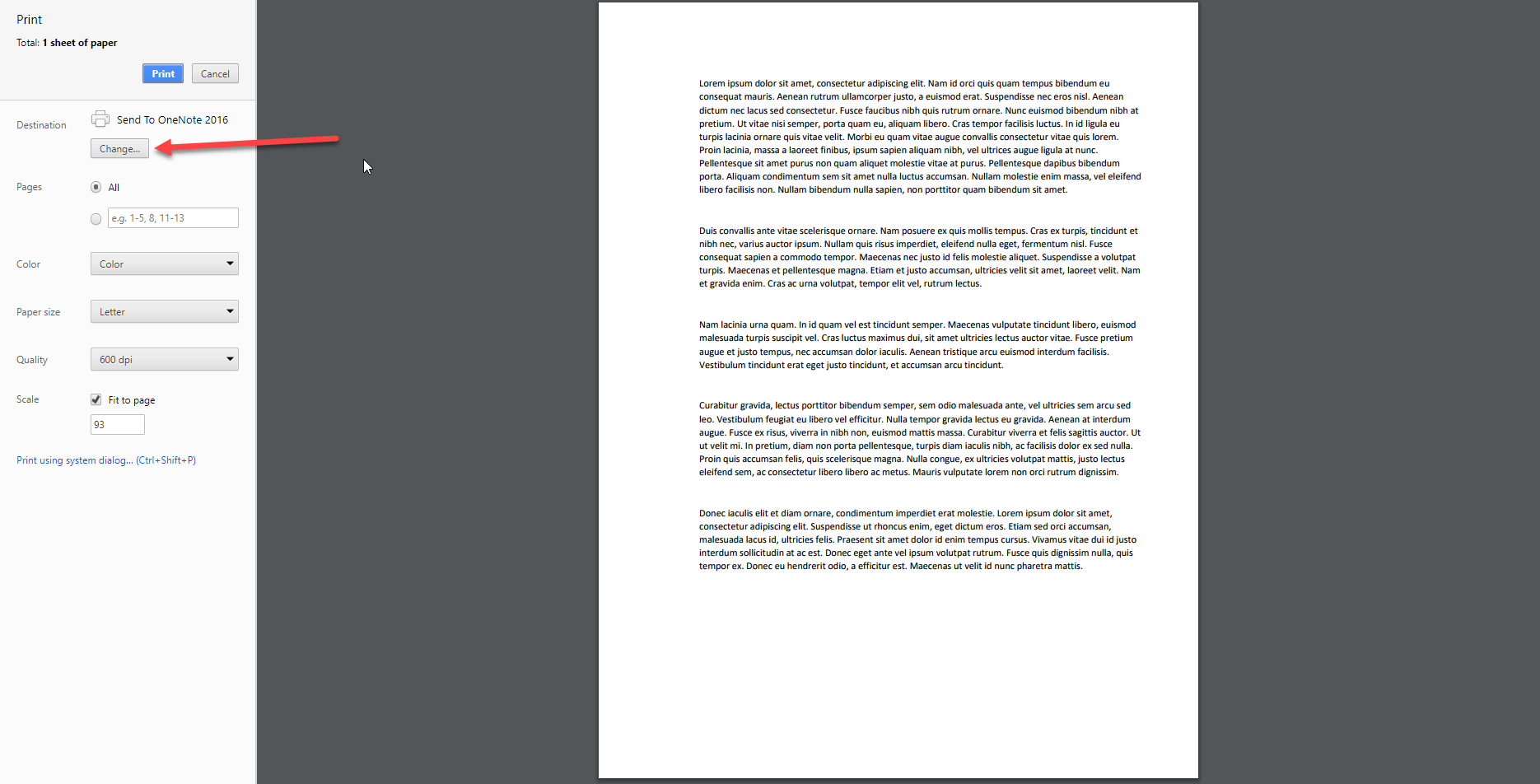
On the Print screen click on change destination. By default, it can be One Note or you physical printer.
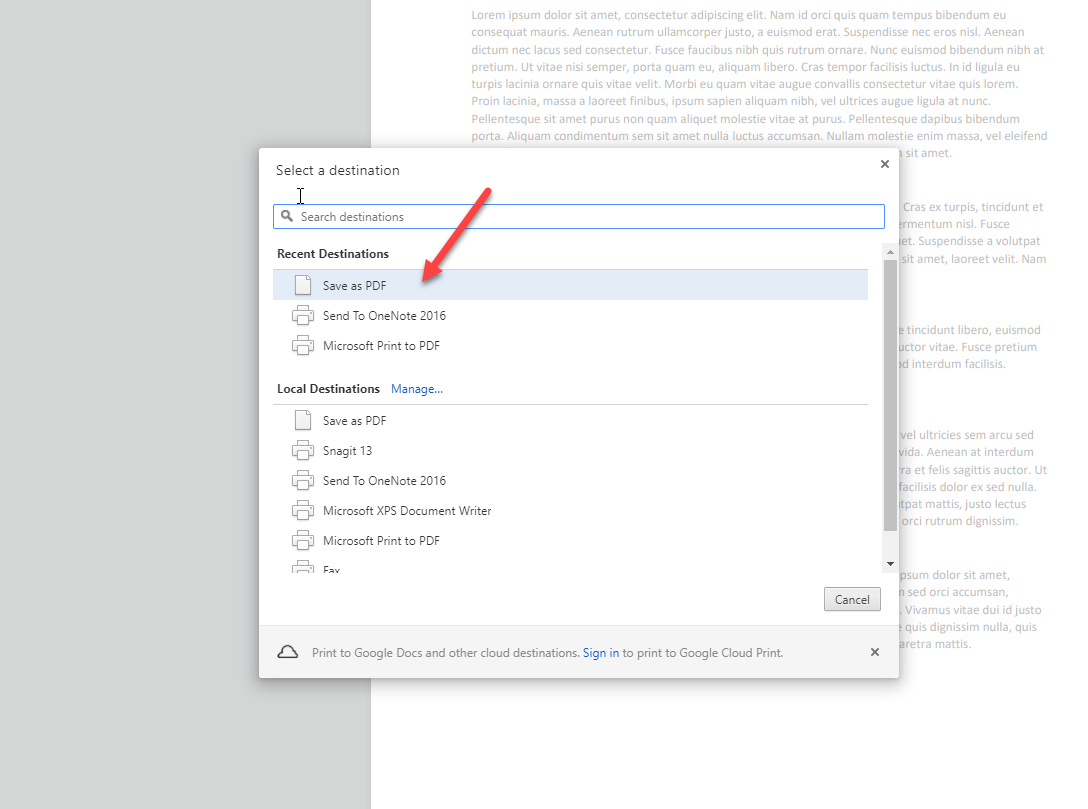
It need to be changed to Save as PDF
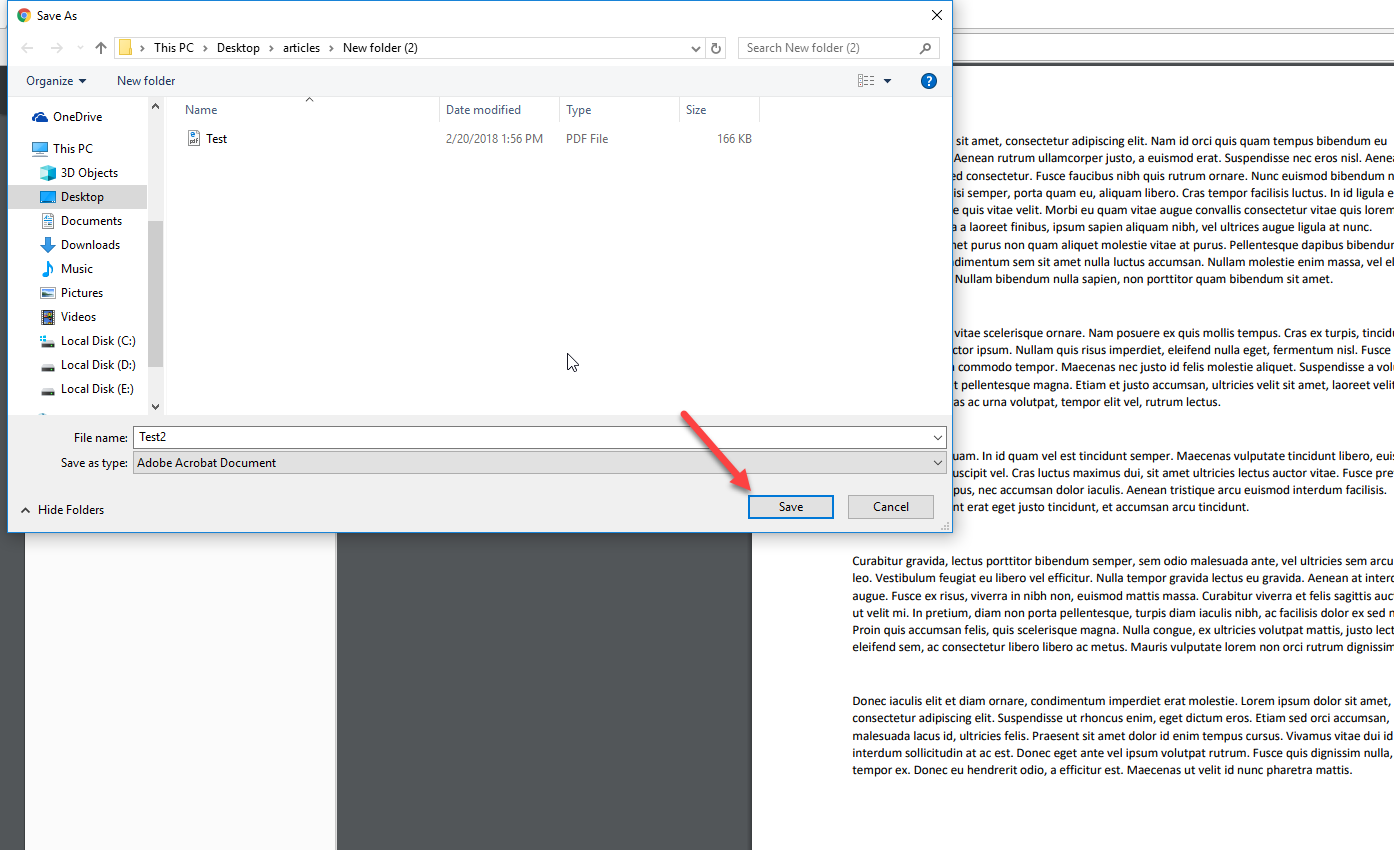
And then hit save
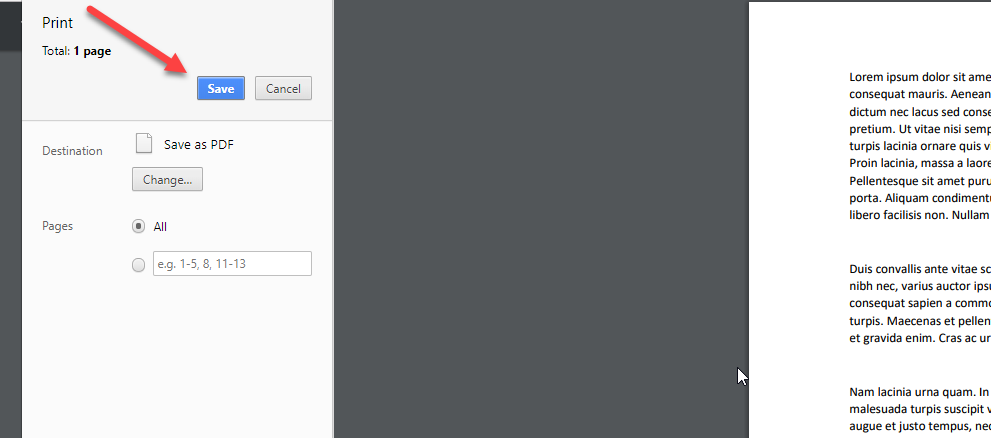
Choose the folder to save the file and proceed.
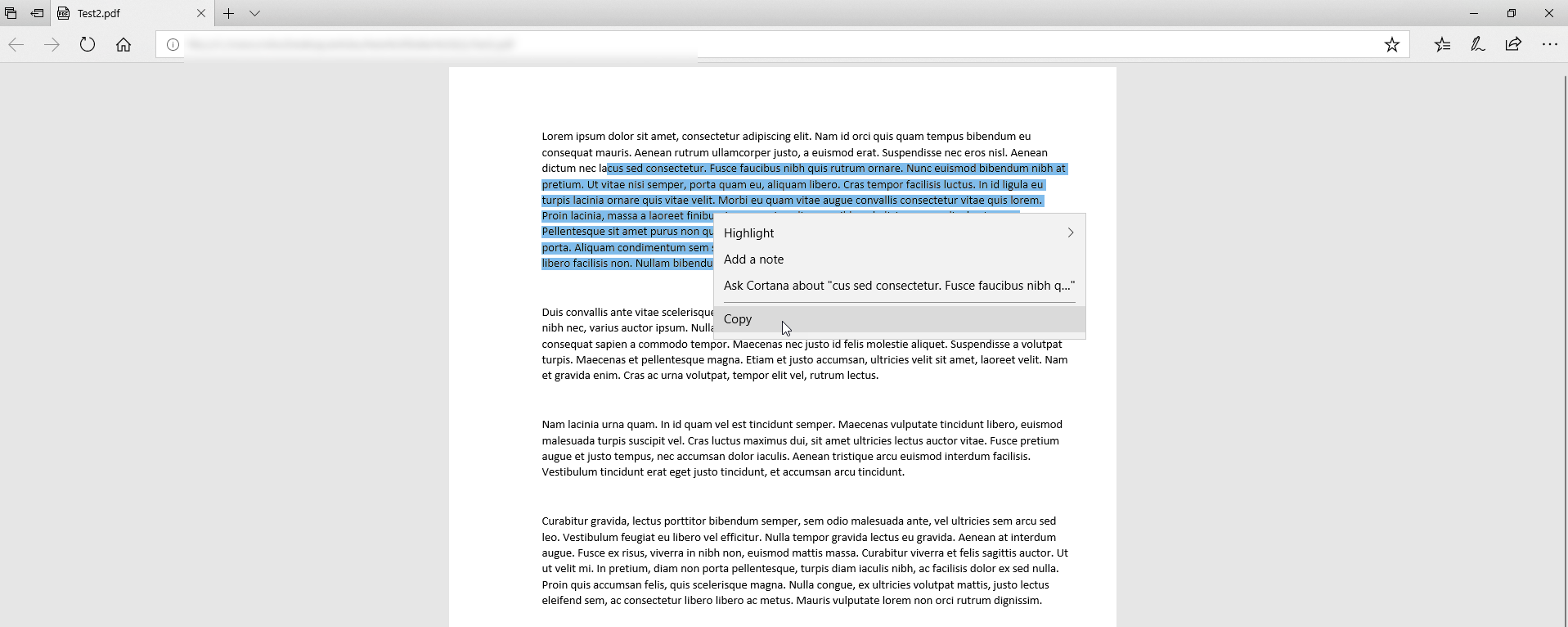
When we open the file that we just created it will allow us to copy its content.
They only case this trick will not work is when the file protected not only from copying, but from printing too.
Let us know if trick helped you and contact our support if you any other question or simply need help!