Imagine the situation when you turn on your computer, run you favorite website but instead of pictures and ordinary content you see multiple ads. In this case you met Adware – widely spread type of malware nowadays. The task of Adware is to show you as many advertisements as possible and your AdBlock extension in the browser cannot kill them as the source of those ads is not the website, but your computer infected with the virus.
“By Advertiser” virus was hidden in the system so well that our beloved adware removal or malware removal tool didn’t help and we were quite surprised. Usually we fix this problem running Malwarebytes free scanner, that within few minutes finds and kills the virus, but yesterday it showed no threats on one of the computers we were working with and we had to find another solution.
Today we want to share our finding with you – a simple tool specialized on adware hunt, called AdwCleaner. This program is free and you can download it either from the official website (though the site is in Russian so it is a bit uncomfortable) or from ToolsLib
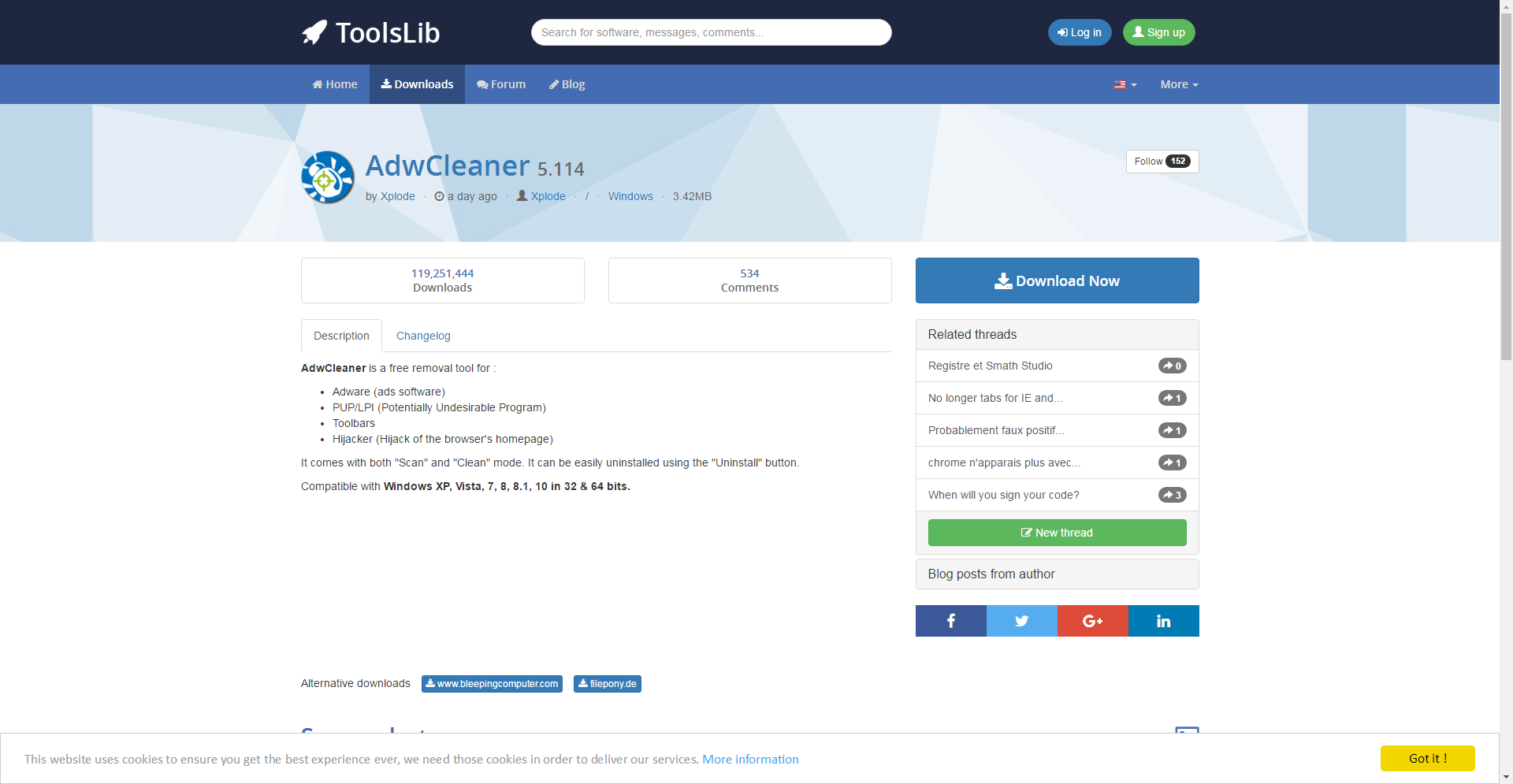
Once you download it, simply run it and hit Scan button.
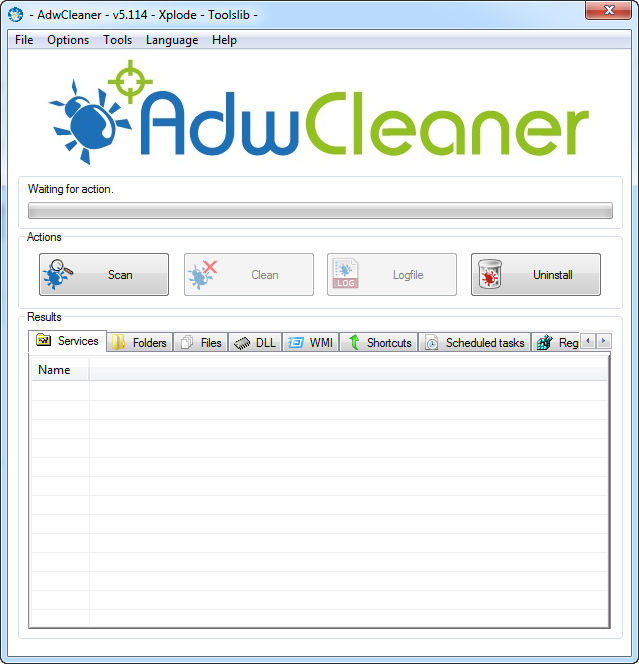
Run the scan and you will see the list of all suspicious files and registry entries located on your computer.
Click Clean button and restart your computer once the progress bar shows that everything was done.
I don’t know why, but the tool does not prompt you to restart the computer automatically, so without knowing you need to do it manually you can either close it and the problem will not be resolved or spend hours thinking that it’s still doing something.